Toolbox
VFX, animation & sound
The feel layer: layered particle effects and impacts, hitstop and procedural R6 animation, and sound and music that loop cleanly. Plus a free pack of almost 2,000 VFX textures.
1
Every promptPaste this
Prompts to copy into ChatGPT, Gemini, Claude or your coding agent.
2
Every trickDo this
Step-by-step moves, each with a message to hand your AI.
3
Learn why
The rules behind it, most of them measured in Studio.
- 01Sound and VFX overviewHow to source, upload, organise and play audio and visual effects in a Roblox game without the usual silent failures.
- 02VFX: particles, layering and colourBuild effects from ParticleEmitter, Beam and Trail with real textures. Don't build them from Parts, spheres or ball clusters.
- 03Feedback juiceEvery important action gets a sound, a particle burst and a float text, all at once, at the place where it happened.
- 04FX controller, pooling and budgetsWhy one controller: budgets, culling, pooling and quality scaling only work if every play goes through one place. A system that clones a template directly bypasses all of them.
- 05Sound and VFX checklistRun this before calling audio or effects "done". Each line links back to the bug it prevents.
- 06Anatomy of an impactA layer-by-layer timeline for hits and explosions, with the numbers, and why an explosion should keep growing after the flash.
- 07Colour, value and brightness in effectsHow many hues, where black belongs, when white is allowed, and reading the place's bloom before choosing brightness.
- 08Projectiles, beams, trails and sustained effectsBuilding things that travel or last: heads, ribbons, beam bodies, slashes without meshes, and auras that cross-fade.
- 09Procedural R6 animation with Motor6D.TransformAnimating characters from code with no uploaded assets, guaranteeing R6, and checking poses without a playtest.
- 10Hits that feel heavy: hitstop, impact frames and shakeThe frame-level tricks that sell an impact: freezing time, flashing the screen, and camera shake that doesn't drift.
- 11The sound registryPut every sound in one ModuleScript in ReplicatedStorage (Sounds), keyed by name. Gameplay code calls Sound.play("cashcollect", pos) and never touches a SoundId.
- 12Sound sourcing and uploadUse online SFX libraries with clear licences. Do not pull audio from the Toolbox or Creator Store: audio owned by another creator usually resolves to silence with no error in your place, and you...
- 13Music and ambienceIn a player test of a chiptune RPG prototype, the first music was random-note generative: a procedural melody over a procedural bass. The players' verdict: they liked 8-bit music, "but not this".
- 14Game music that loops without a seamPlanning a score, cutting loops on the bar line, mastering quieter than a song, and wiring it with SoundGroups.
4
All downloadsDownload
Skills, packs, kits and snippets for this job.
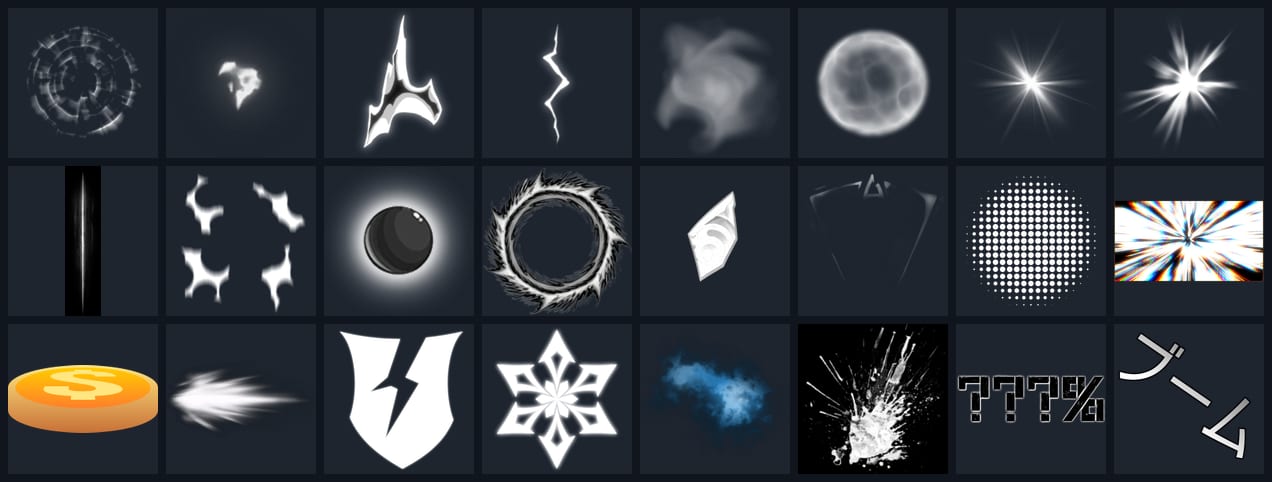
- Pack1,936 textures · 458 MBVFX texture packSprites, flipbooks, beams and trails for Roblox particles, in three separate downloads.
- SkillClaude Code skill · 85 KB zipRoblox VFX skillBuilds hits, slashes, explosions, projectiles, auras and camera shake from layered ParticleEmitters with custom textures and flipbooks.
- SkillClaude Code skill · 4 KB zipRoblox game score skillMakes a custom soundtrack for a game: lobby and zone themes, combat music, intensity layers and reward stingers, generated locally with the ACE-Step music model.
- Snippets4 filesSound and VFX snippetsFXPool, Feedback, SoundRegistry and more. Copy or download each one.
5
Download the packSee it
Real output made with the tools above.
VFX pack: Sprites 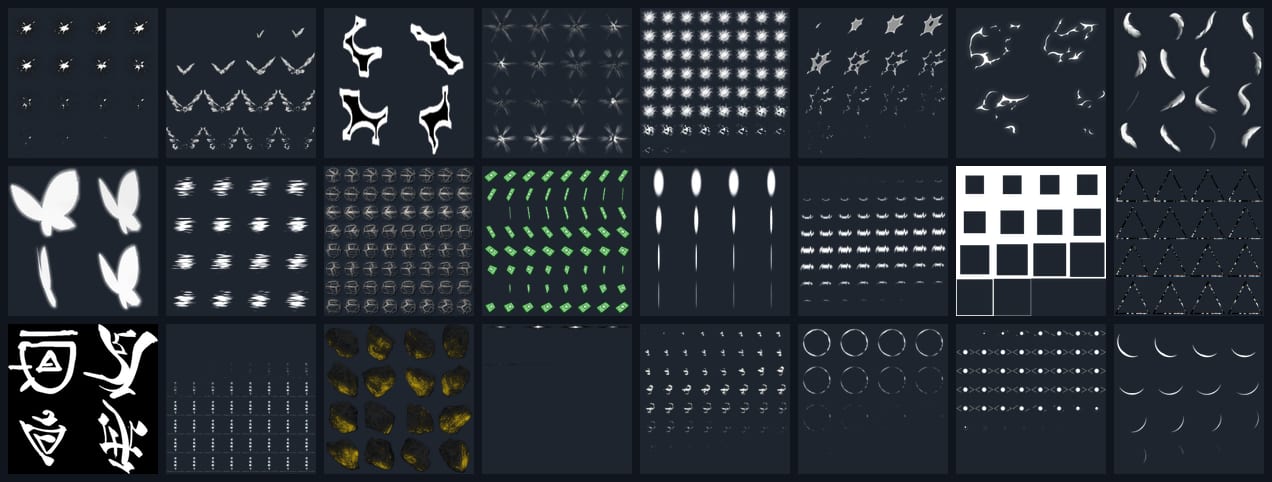
VFX pack: Flipbooks 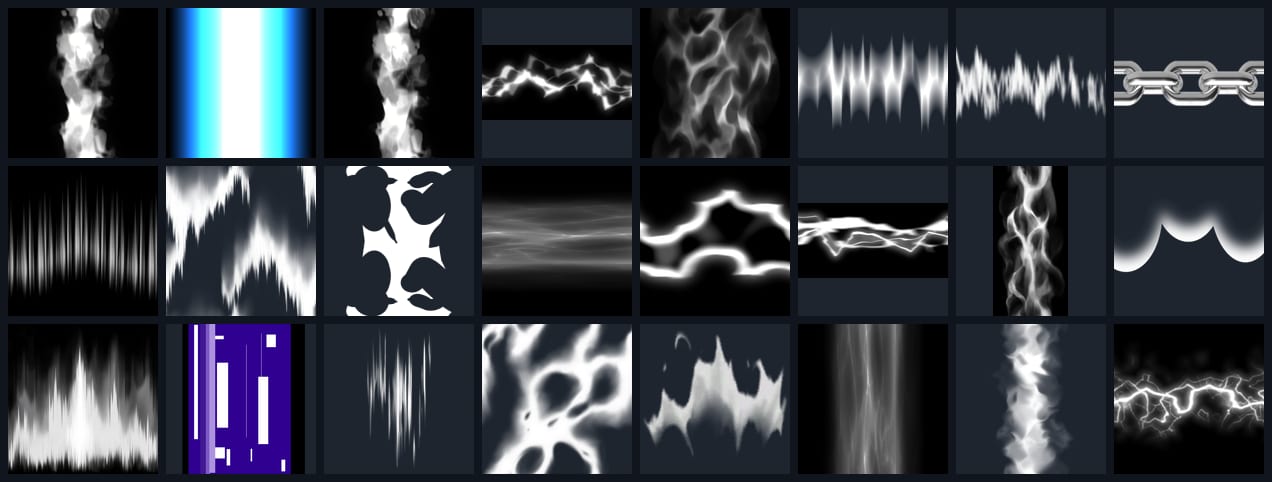
VFX pack: Beams & trails