Toolbox
Game UI
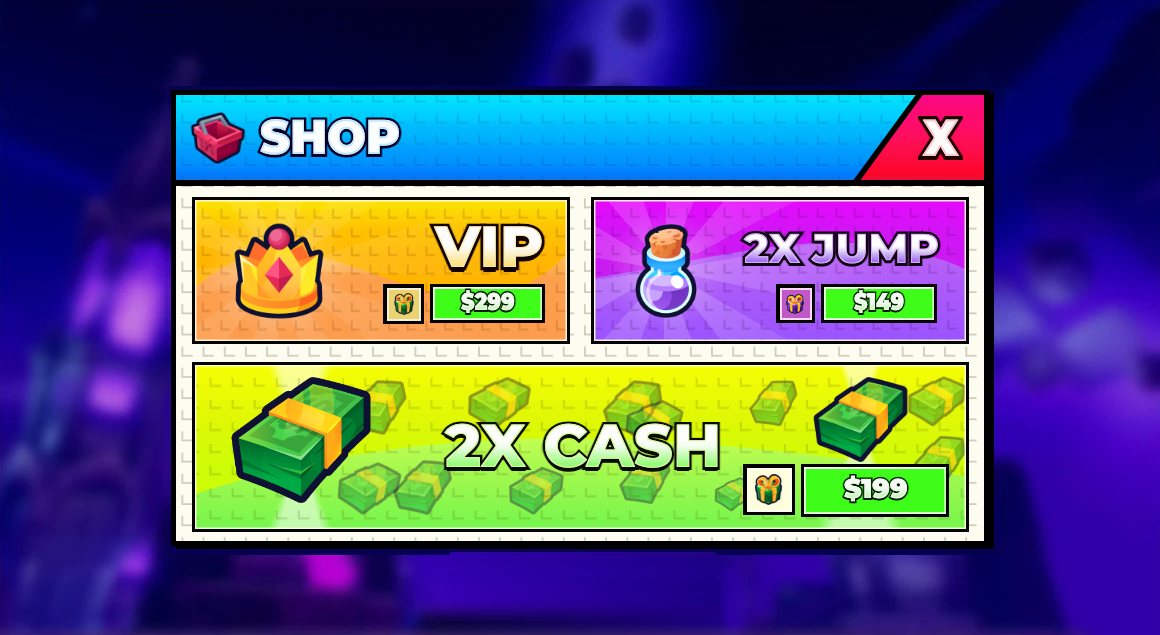
Game UI made the HTML-first way: rebuild any screenshot as a measured HTML page, import it into Studio as a real ScreenGui, and follow the style rules and patterns that make it read on a phone.
1
Every promptPaste this
Prompts to copy into ChatGPT, Gemini, Claude or your coding agent.
- PromptCopy and pasteThe HTML UI prompt: recreate a UI from a screenshotGive an AI coding assistant a screenshot of a game UI and get a pixel-matched HTML/CSS page back, measured rather than eyeballed.Open and copy
- PromptCopy and pasteThe UI import prompt: HTML to a Roblox ScreenGuiThe second half of the HTML UI workflow: turn the finished HTML page into a real ScreenGui with uploaded art, live text and tweens.Open and copy
2
Every trickDo this
Step-by-step moves, each with a message to hand your AI.
3
Learn why
The rules behind it, most of them measured in Studio.
- 01UI overviewHow to design, build, ship and verify game UI on Roblox with an AI coding agent. Everything here came from real bugs in shipped and prototype games (a kids' strategy tycoon, several idle games, a...
- 02Style rulesRules that held across every project. Each one exists because breaking it got a screen rejected.
- 03HTML-first UI pipelineDesign every screen in HTML/CSS, then turn it into real Roblox GUI instances by code. Never hand-place frames in Studio, and never hand-write a builder per screen once you have more than two or three.
- 04HUD and progression patternsPatterns that made progression readable for kids without adding clutter. Feedback patterns (toasts, crates, celebrations, formatting) are in patterns-feedback.md.
- 05Feedback patternsToasts, celebrations, odds, crate openings, loading and number formatting.
- 06Measured GUI and input factsEngine behaviour that was measured in Studio, not assumed. Roblox changes some of these between versions (one note below flipped within a month), so re-measure any rule your code depends on.
- 07Verifying UIAn agent can't trust its eyes in Studio. Captures lie, clicks miss, hover never fires. Verify with numbers first, pictures second.
- 08ChecklistsDesign - [ ] Purpose in one sentence; what the player does here and how they leave. - [ ] Designed in HTML at the design canvas, in the game's one kit (shared plate, fonts, outlines).
- 09Words, numbers and rewards on screenError copy that helps, one number formatter, and the reward rules players notice.
4
All downloadsDownload
Skills, packs, kits and snippets for this job.
- SkillClaude Code skill · 167 KB zipRoblox UI maker skillDesigns game UI in HTML first, from your style reference (stud style by default), with every state and a phone layout.
- ToolFree texturesUI ResourcesFree UI textures: the stud texture for stud panels, glows, gradients and frames.
- Snippets13 filesUI snippetsCrateRoll, LoadingScreen.client, NextGoal and more. Copy or download each one.
5
All 10 UI remakes, before and afterSee it
Real output made with the tools above.
Stud-style shop 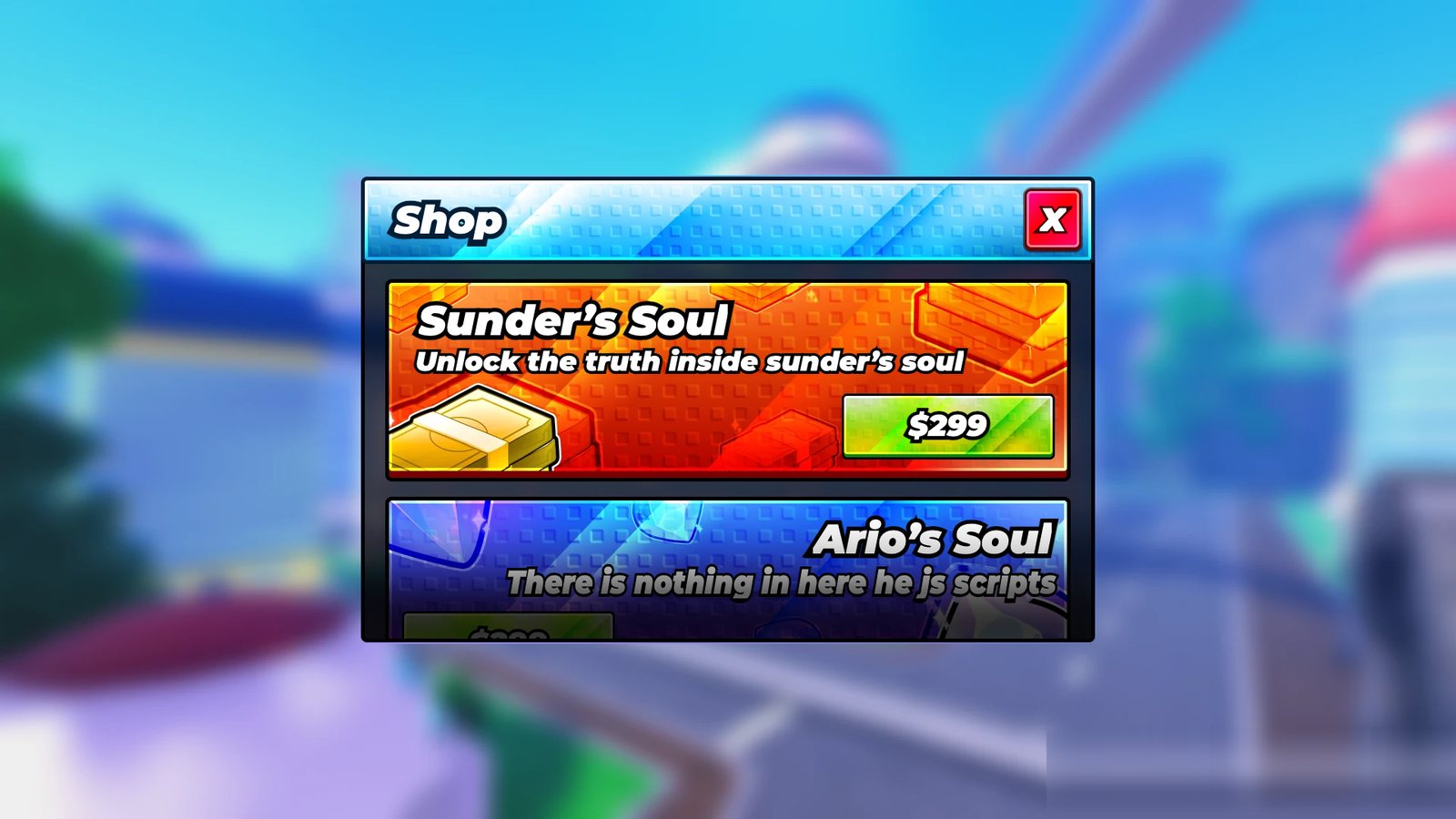
Glossy item shop 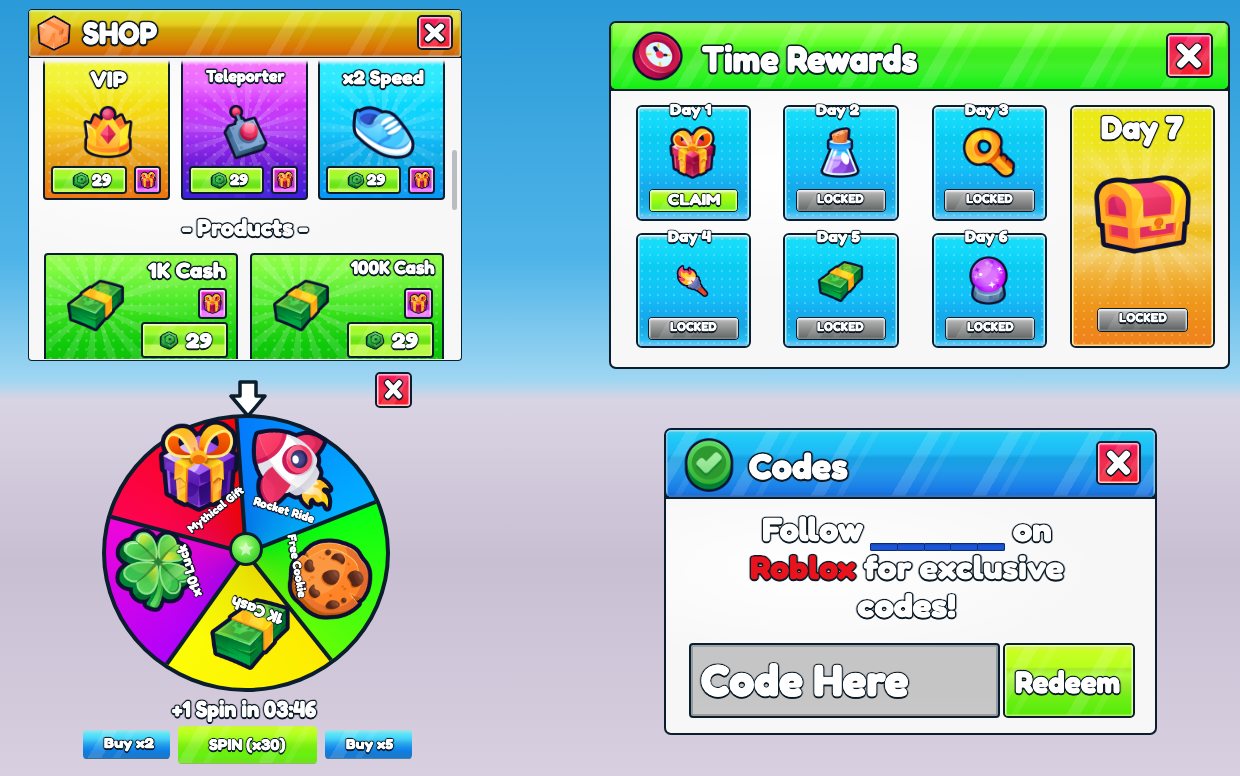
Shop, daily rewards, spin wheel and codes 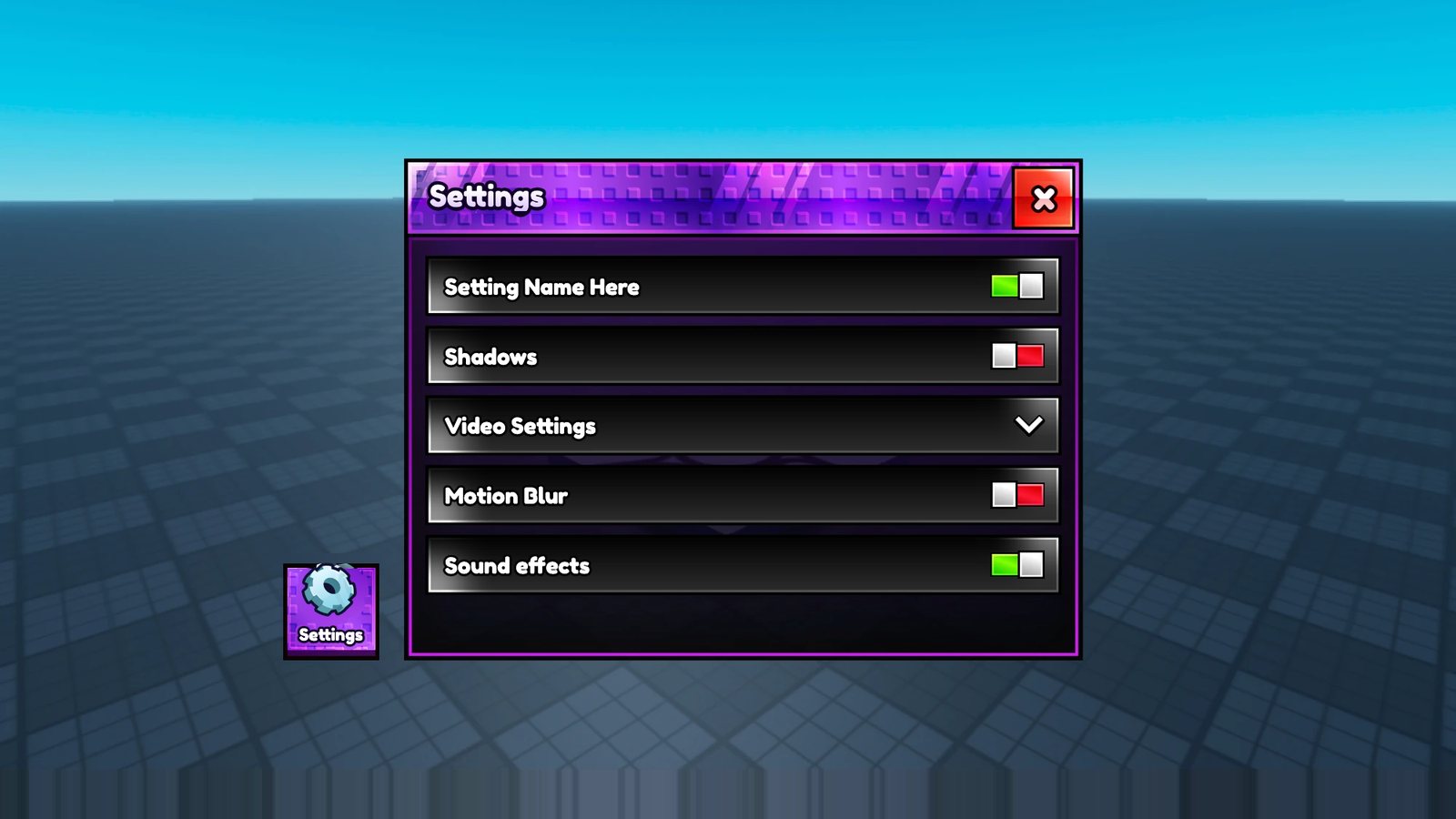
Settings with toggles 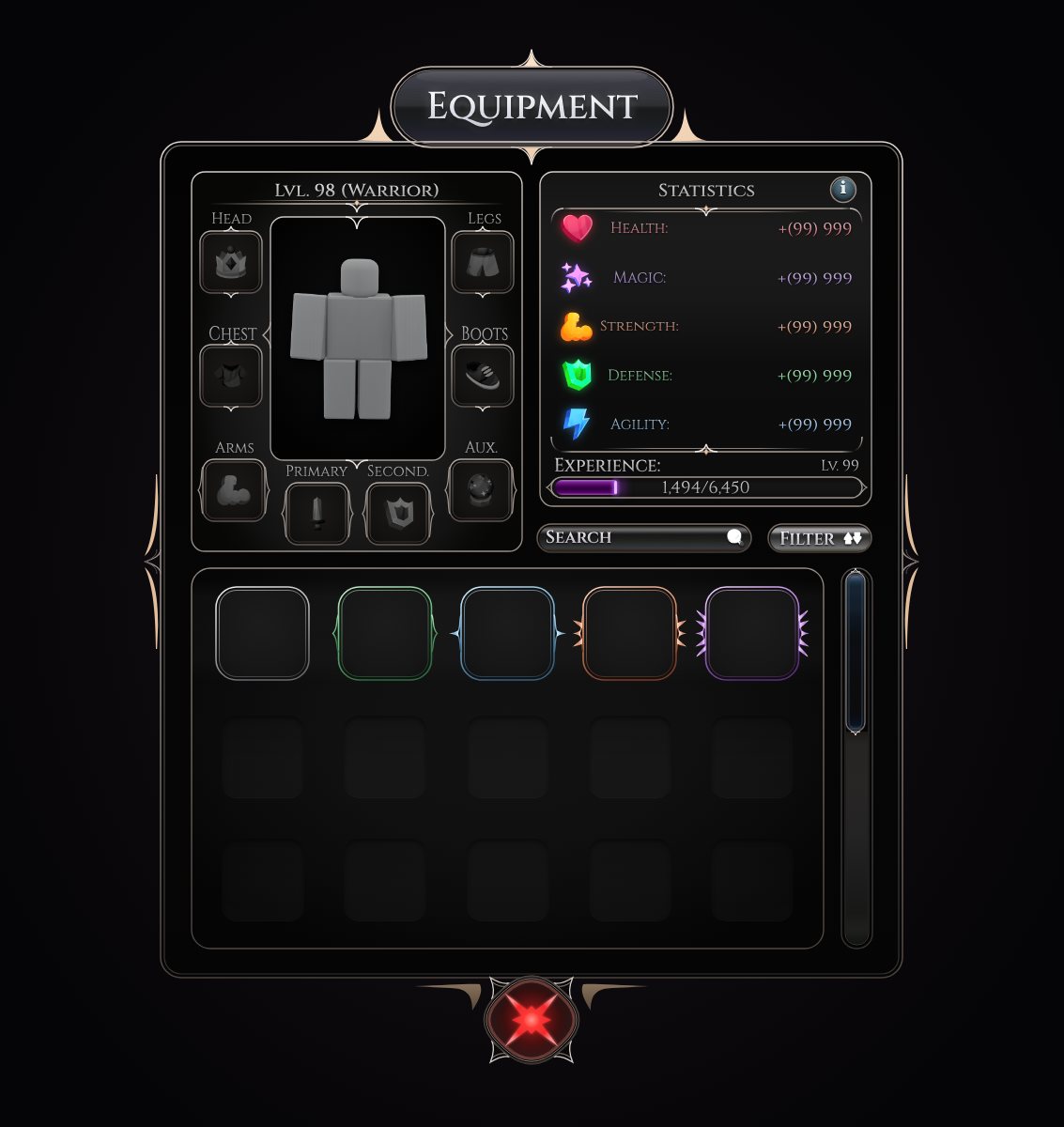
Dark fantasy equipment and stats 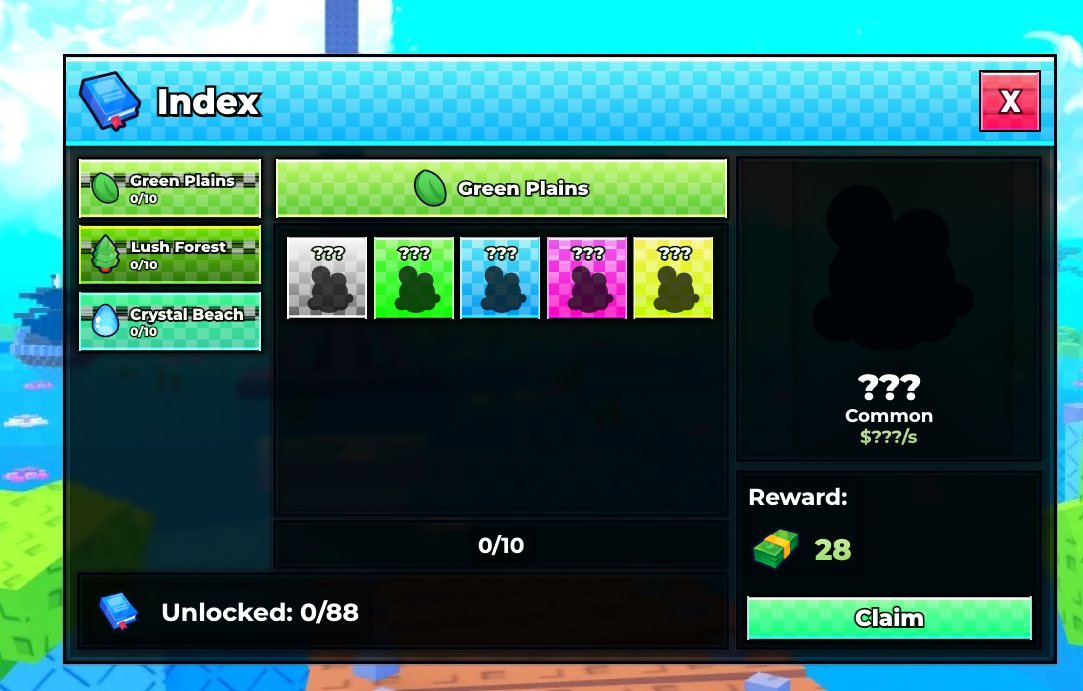
Collection index