Showcase
What the skills actually make.
Real output, not mockups: game UI rebuilt 1:1 in HTML from a screenshot, stud-style models written as code with Lune, and stud maps built in Studio by an AI agent. Everything here was made with the skills and tricks on this site.
UI remakes: screenshot in, matching UI out
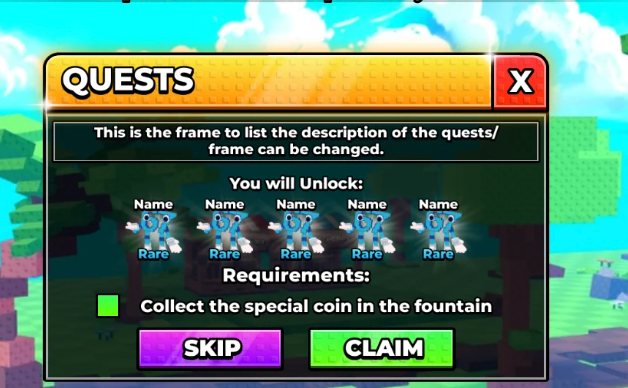
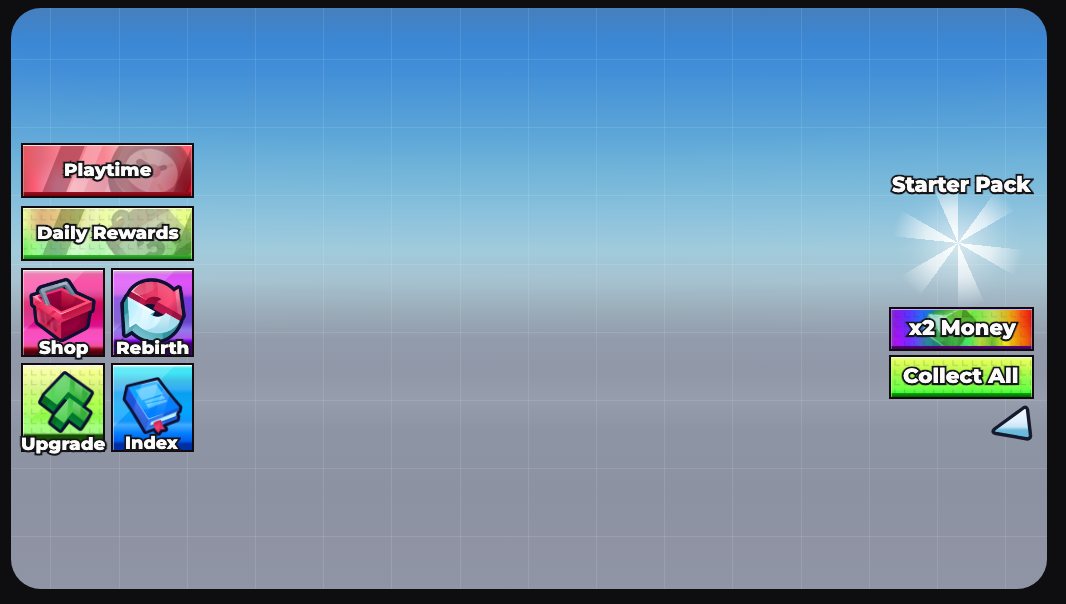
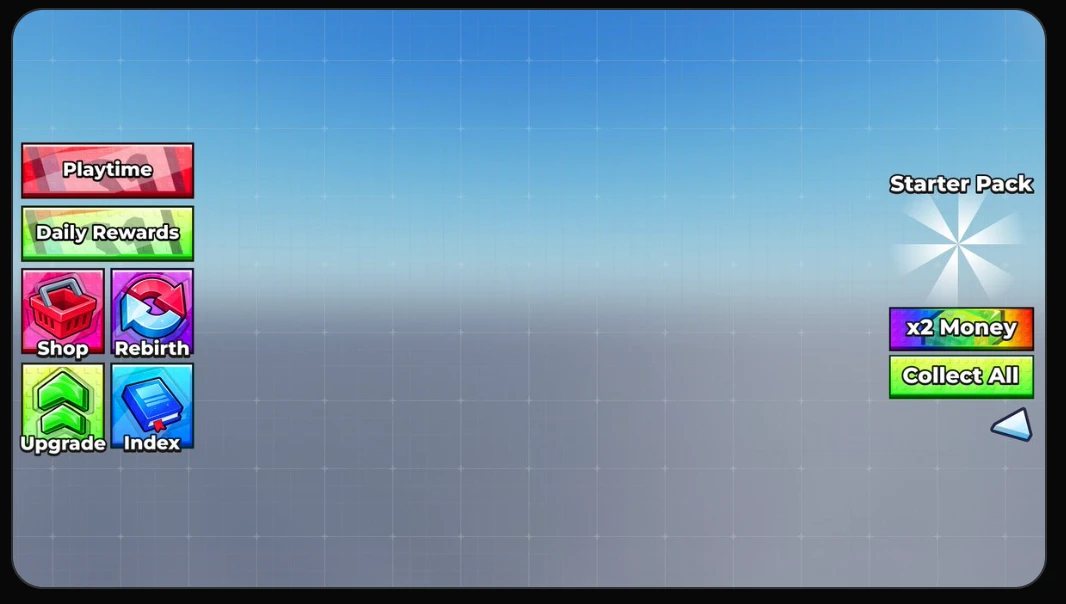
Each one started as a screenshot of a UI posted online. The UI maker skill (or the HTML UI prompt) measured every colour, outline and font size from the image and rebuilt it as an HTML page, which then imports into Roblox as a real ScreenGui. Drag across each one to compare. Icons and item art come from a licensed icon pack, so those differ on purpose.

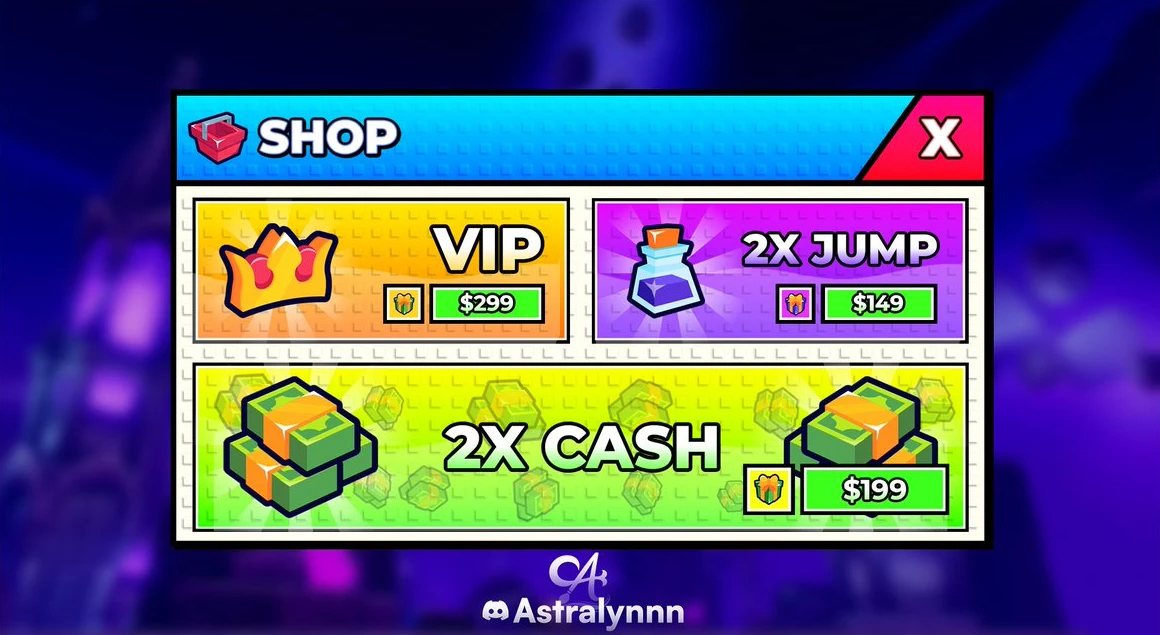 ⇆ReferenceHTML remake
Stud-style shopReference design by Astralynnn
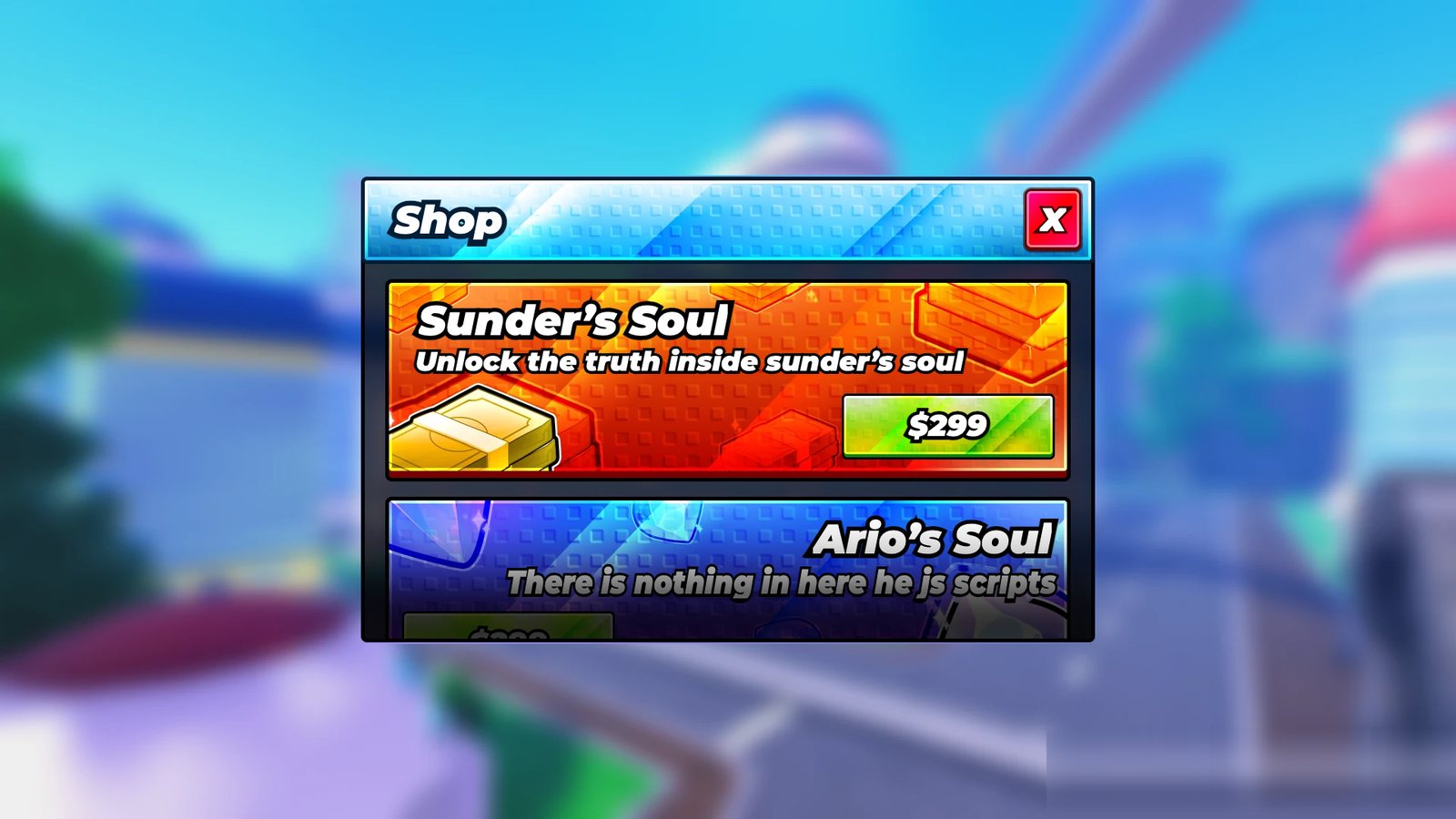
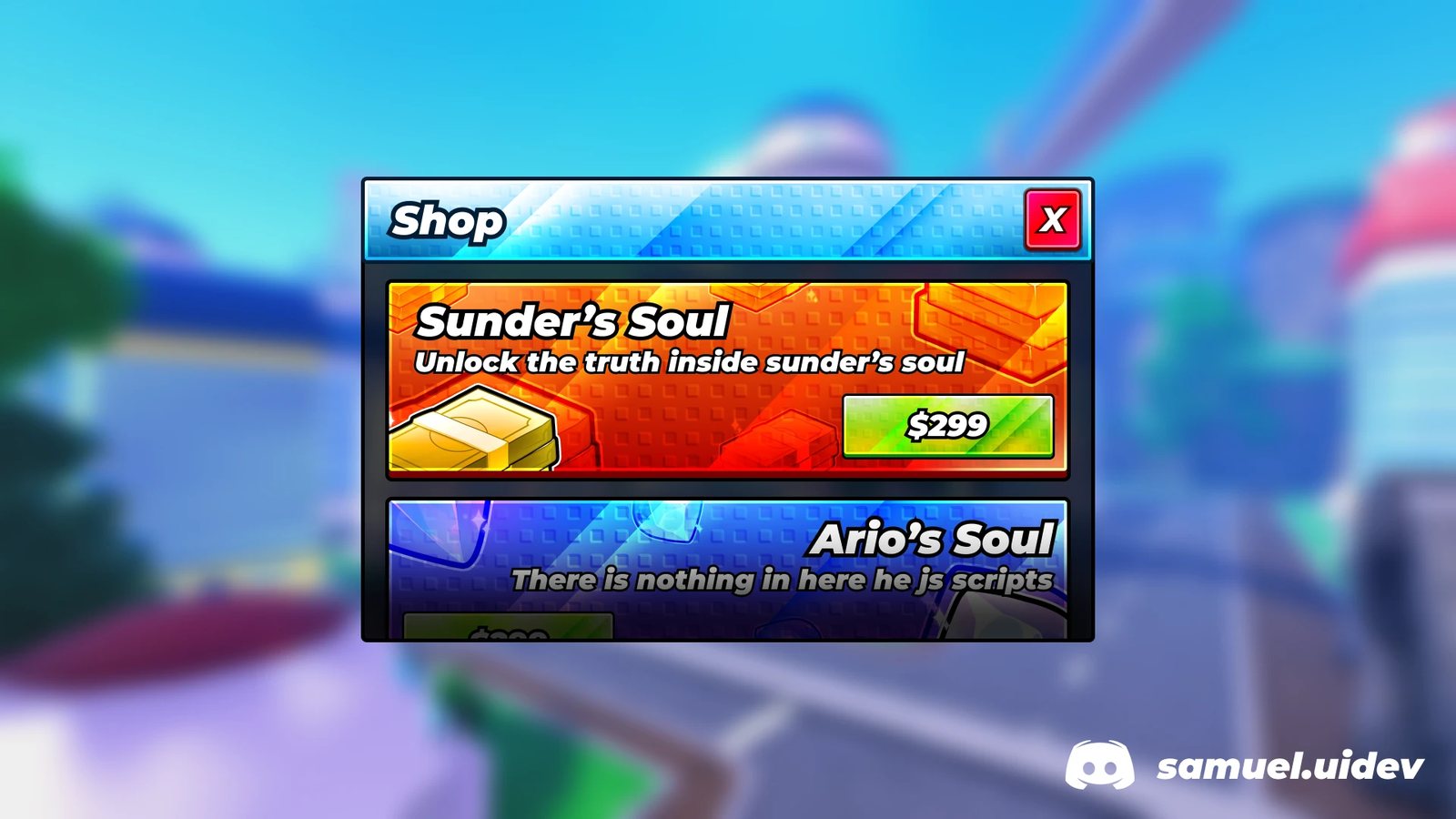 ⇆ReferenceHTML remake
Glossy item shopReference design by samuel.uidev

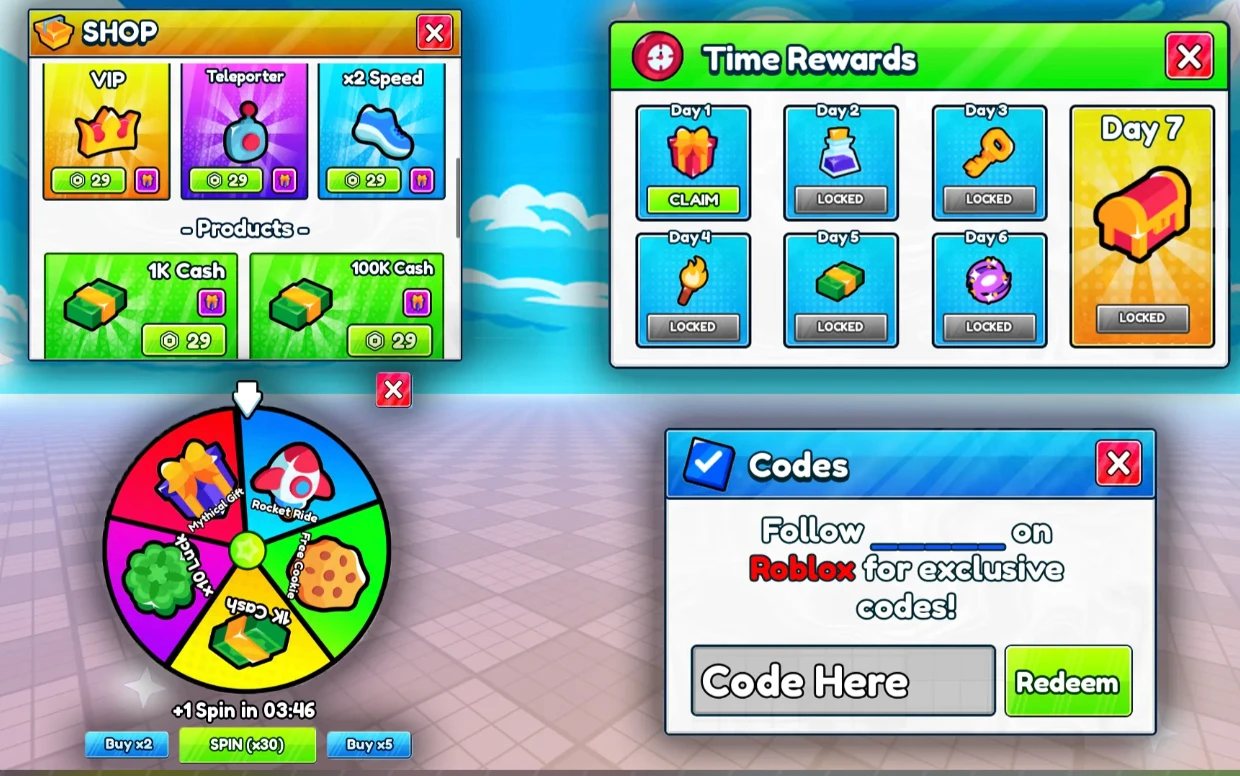 ⇆ReferenceHTML remake
Shop, daily rewards, spin wheel and codes
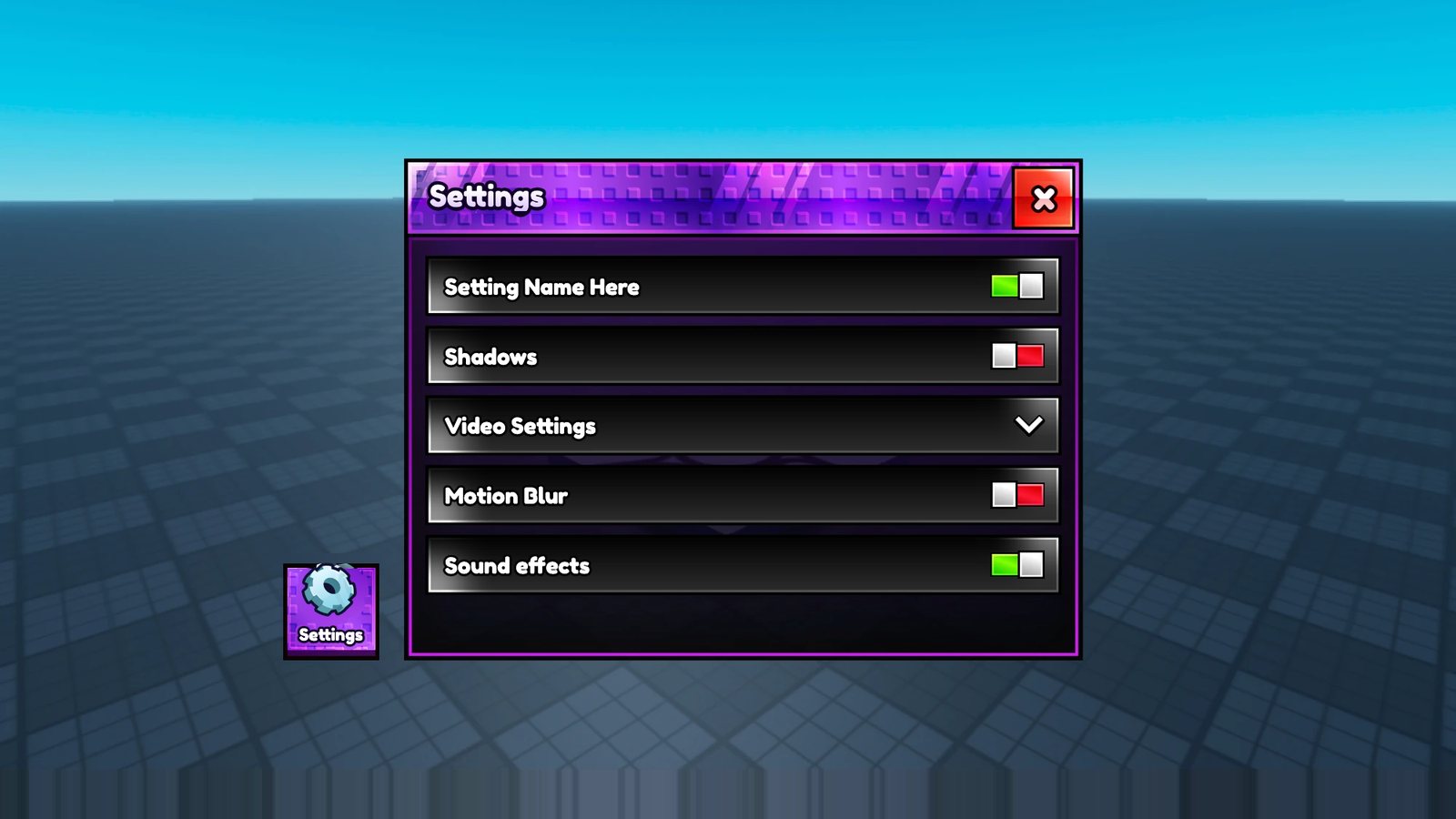
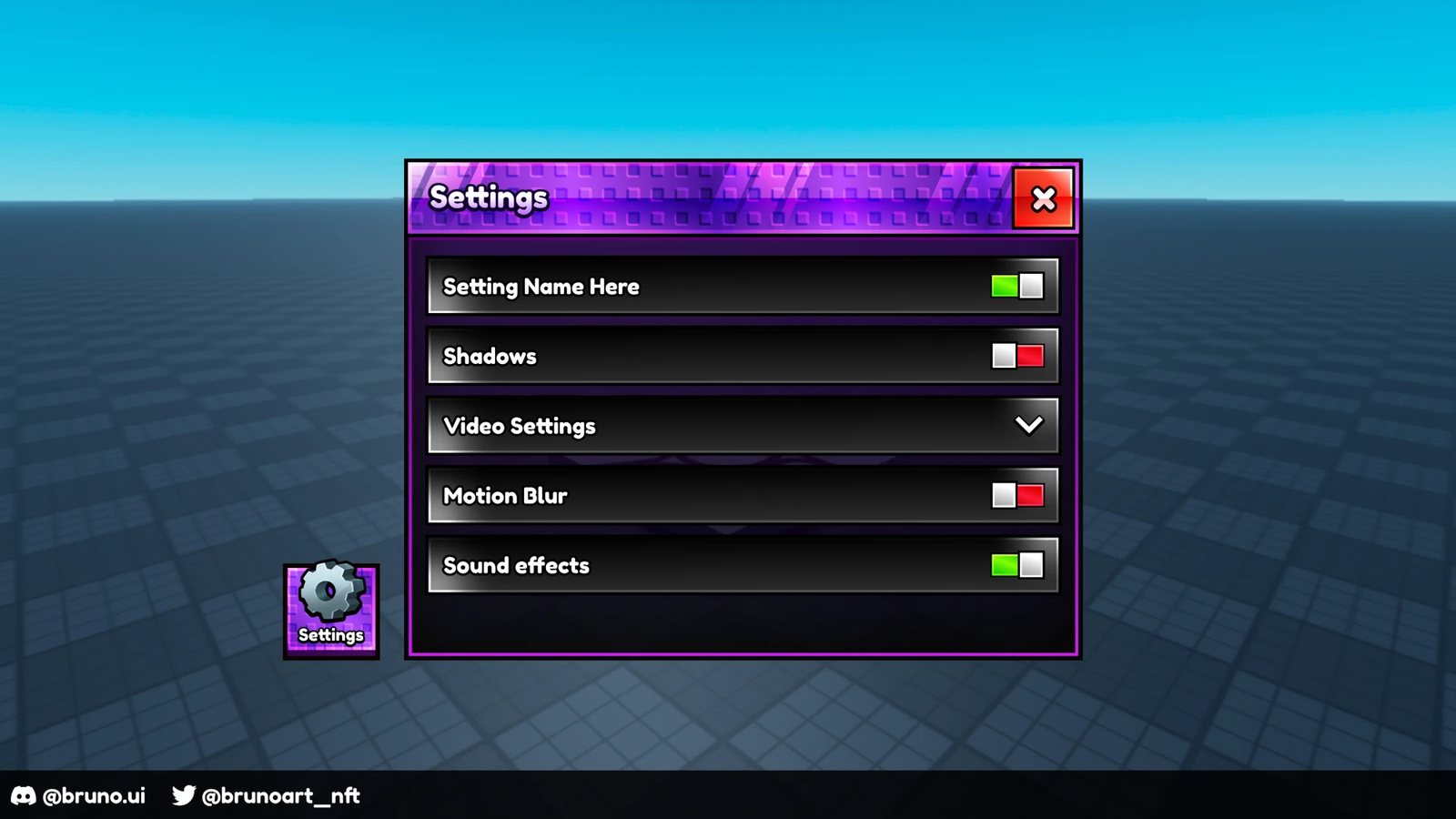 ⇆ReferenceHTML remake
Settings with togglesReference design by @bruno.ui
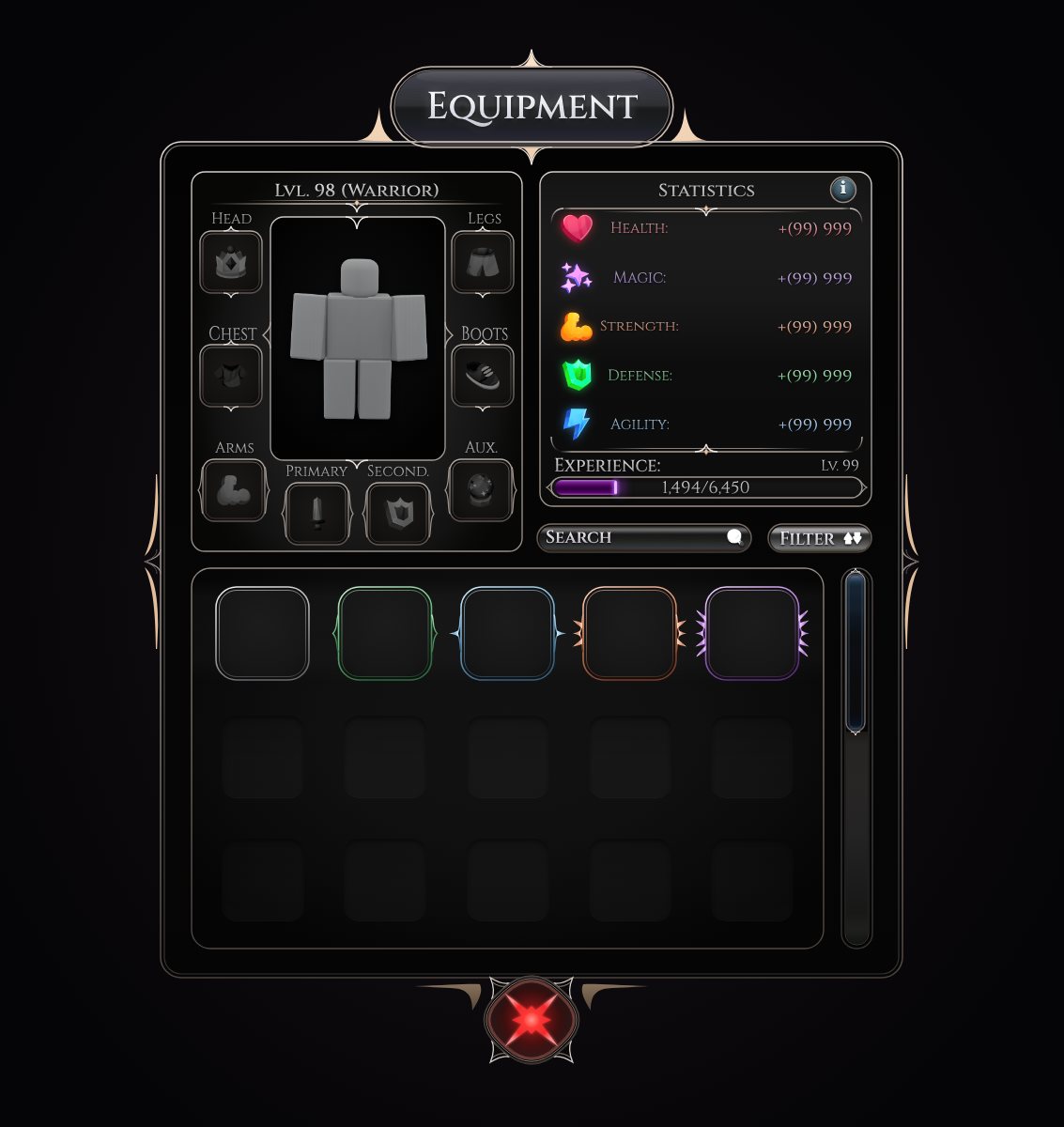
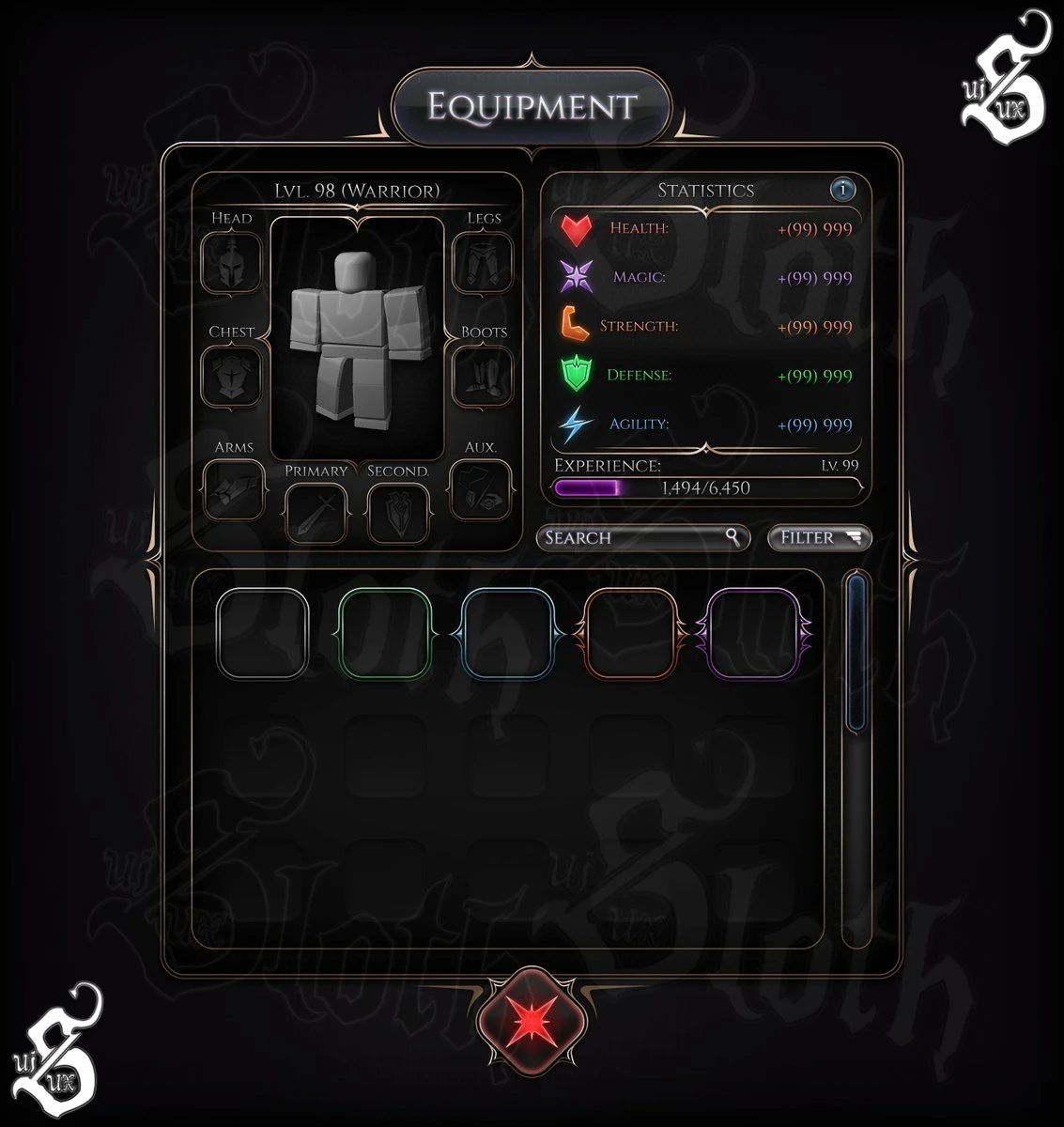 ⇆ReferenceHTML remake
Dark fantasy equipment and stats
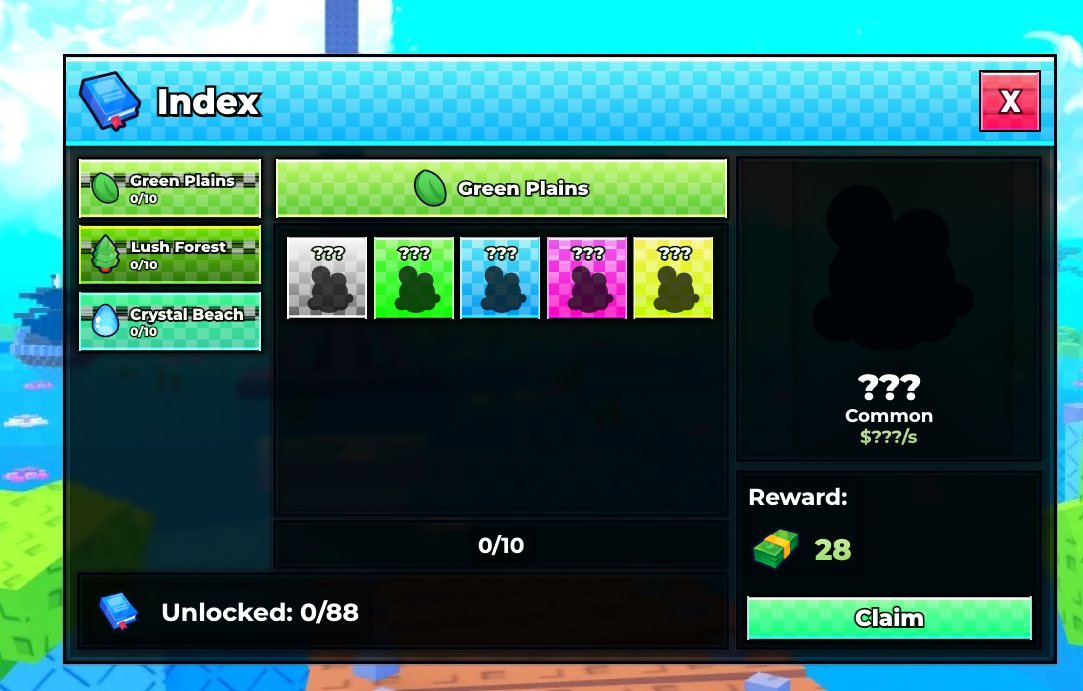
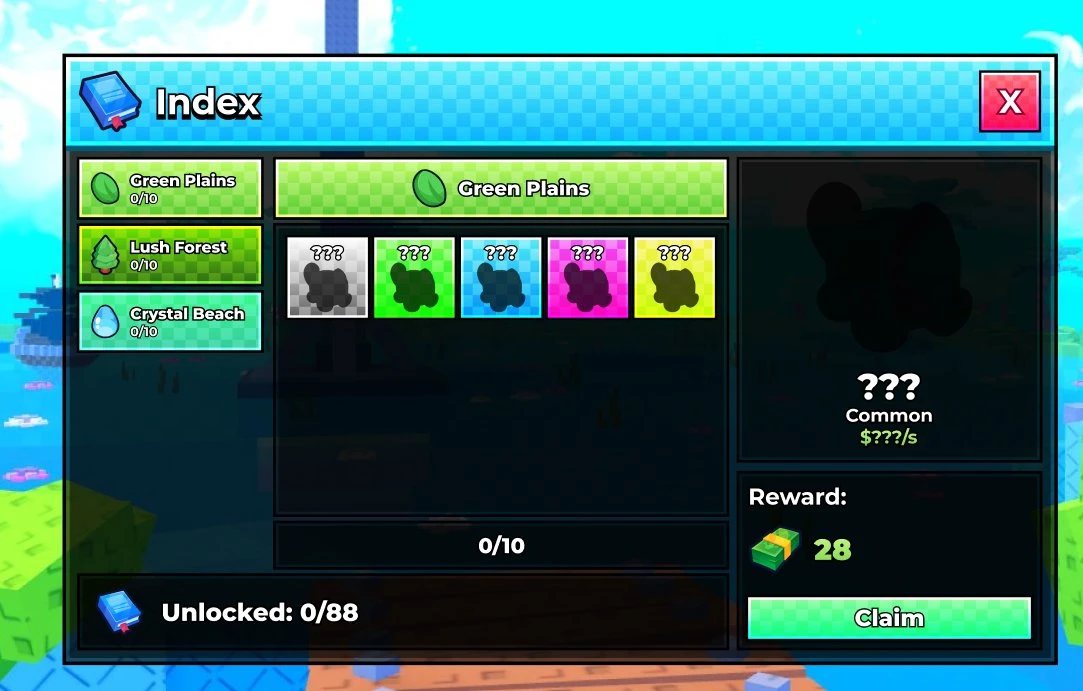 ⇆ReferenceHTML remake
Collection index

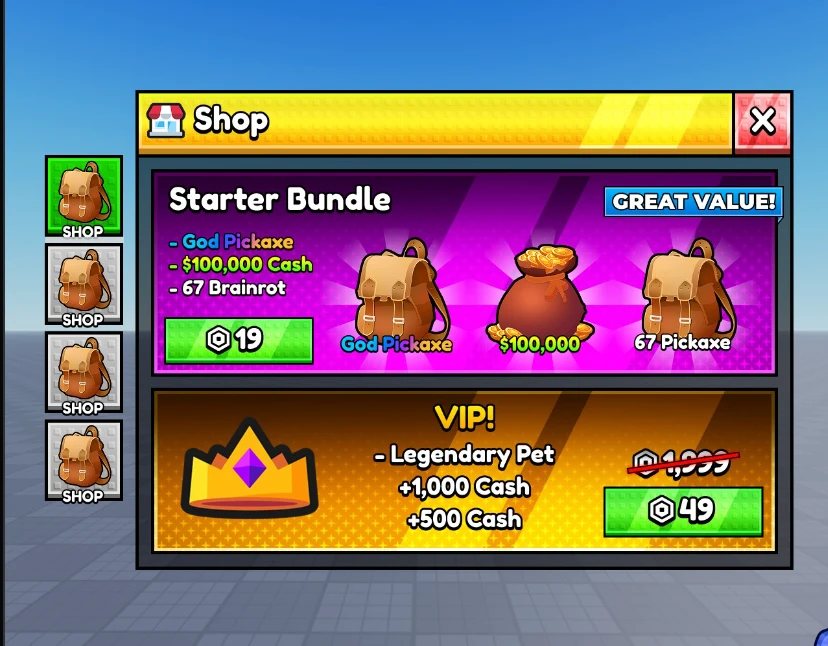 ⇆ReferenceHTML remake
Starter bundle shop
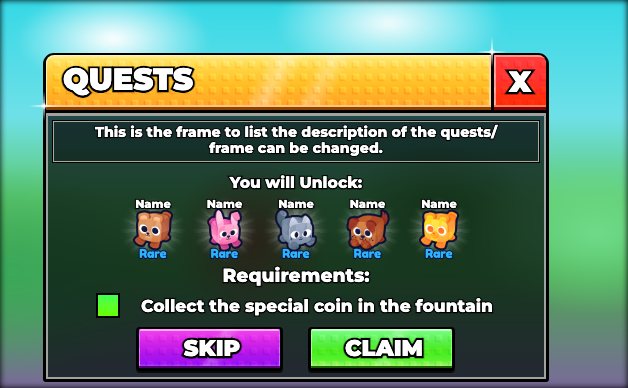
 ⇆ReferenceHTML remake
Quest card

 ⇆ReferenceHTML remake
Codes panel
 ⇆ReferenceHTML remake
Main HUD buttons
Stud models, written as code
Every model below is a Luau script, not a sculpt. It runs on Roblox's EditableMesh in Studio, and on a stand-in under Lune so an agent can render it in Blender, look, and fix it in a loop without opening Studio. No uploads, no AI 3D generator: square studs from a normal map, crisp chunky shapes, and the same script makes every colour or variant.
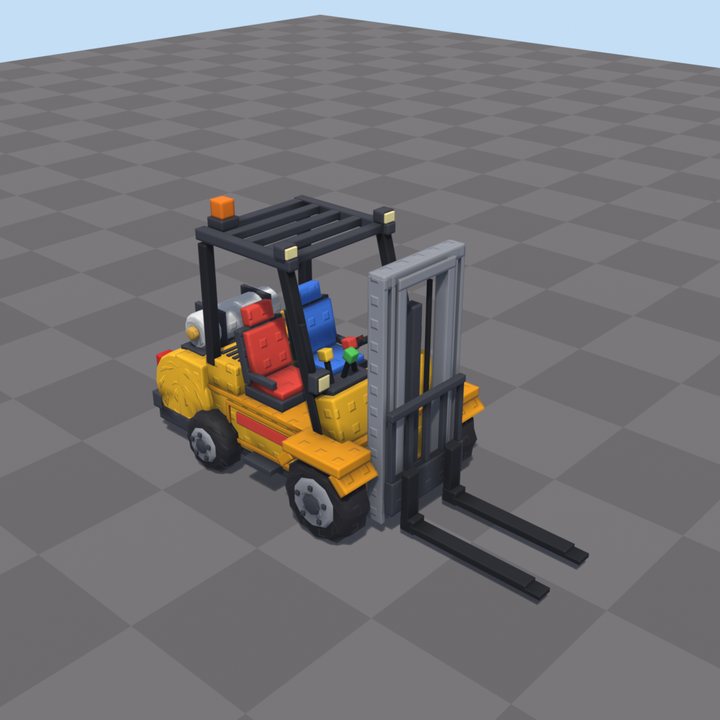
Forklift 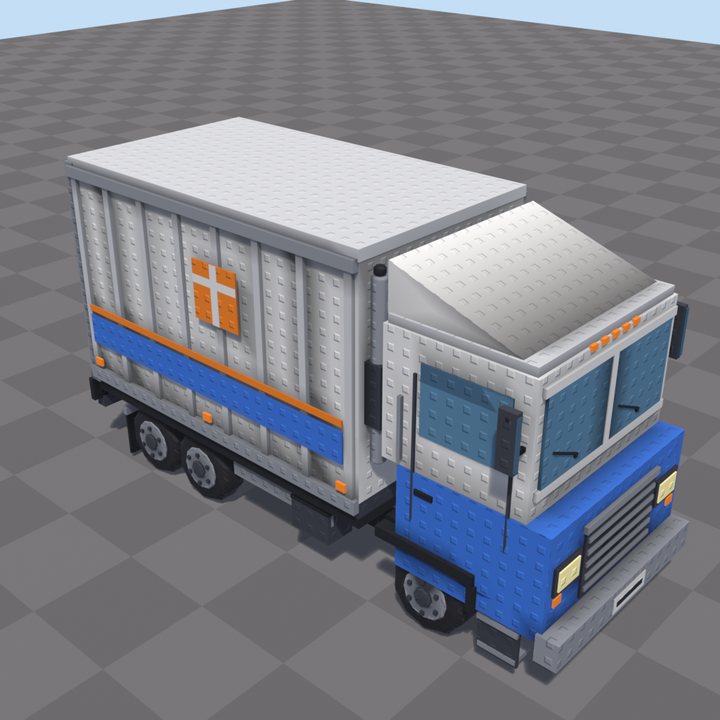
Delivery truck 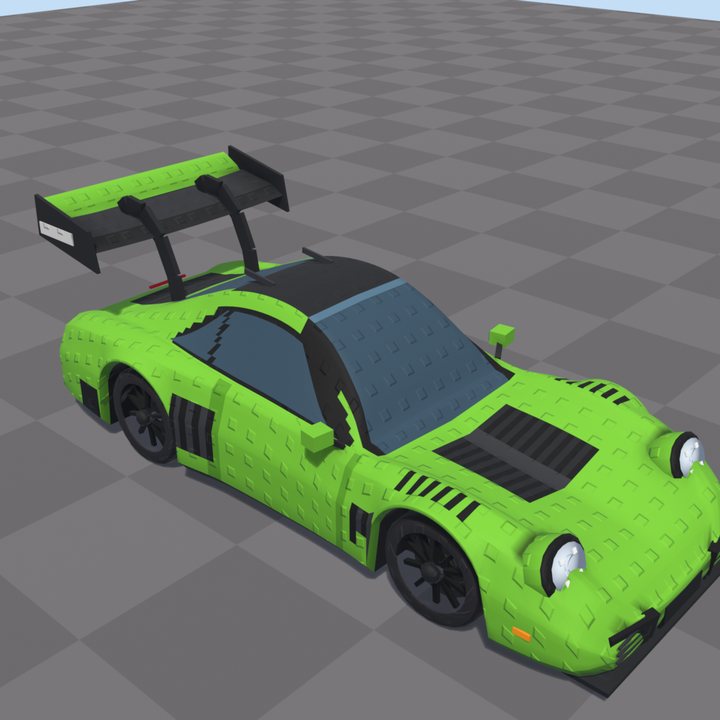
Sports car 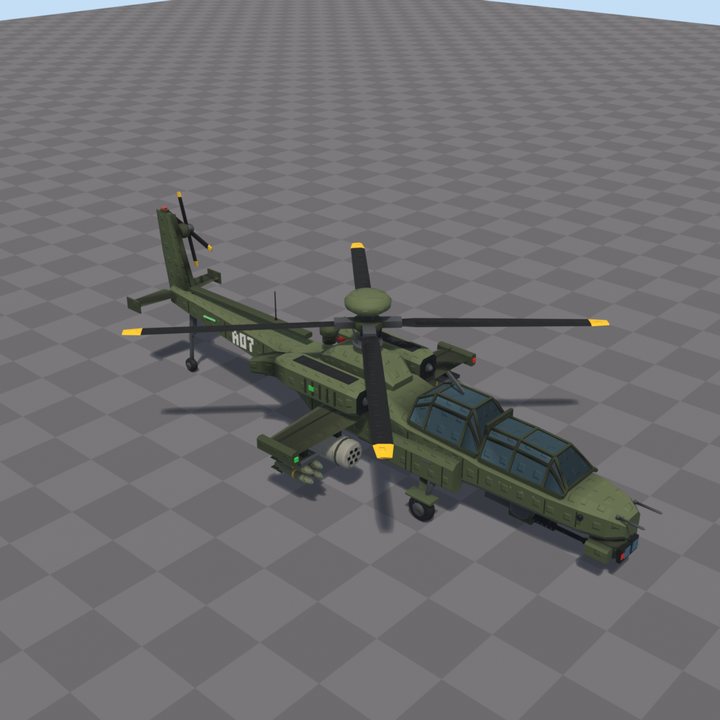
Attack helicopter 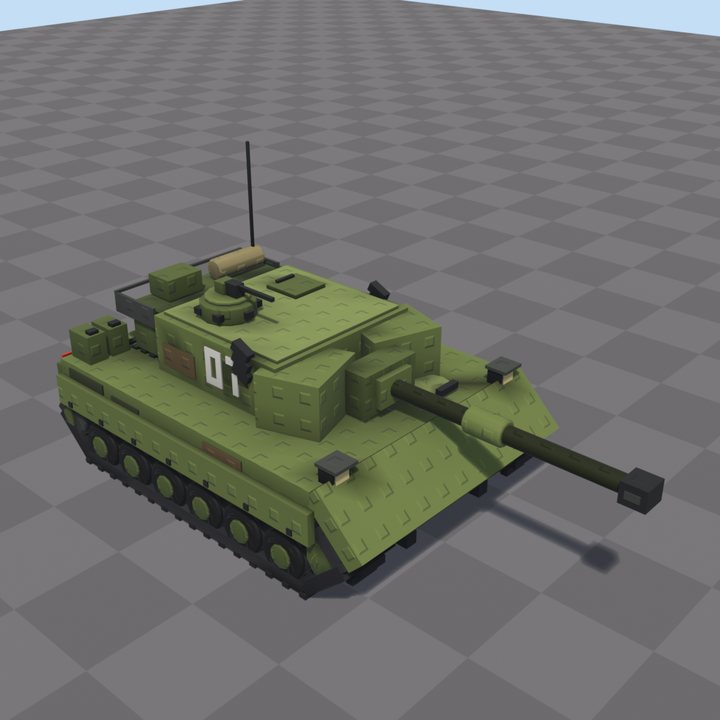
Tank 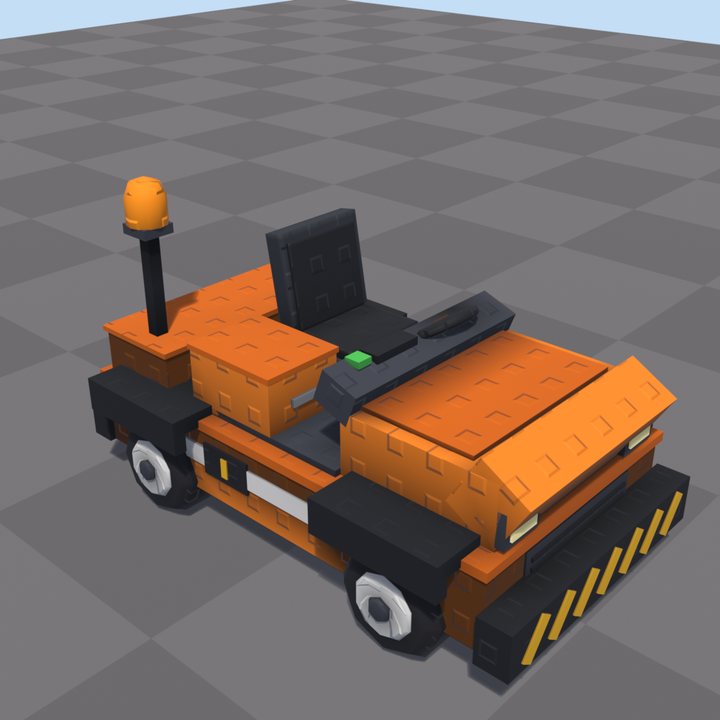
Baggage tug 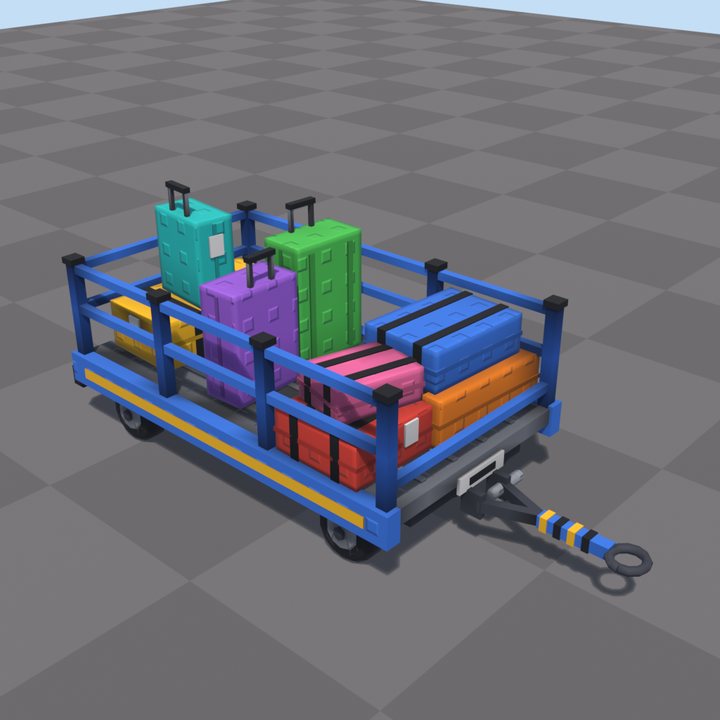
Baggage cart 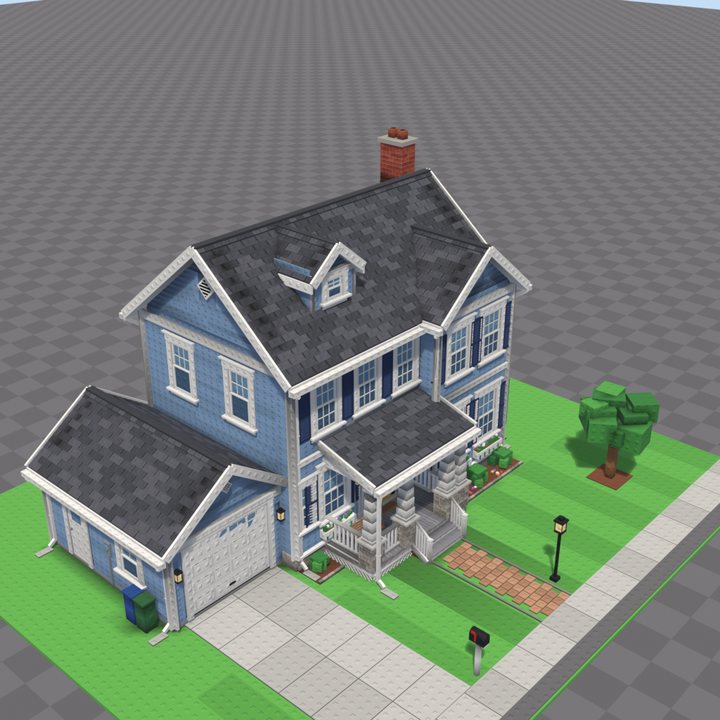
Suburban house 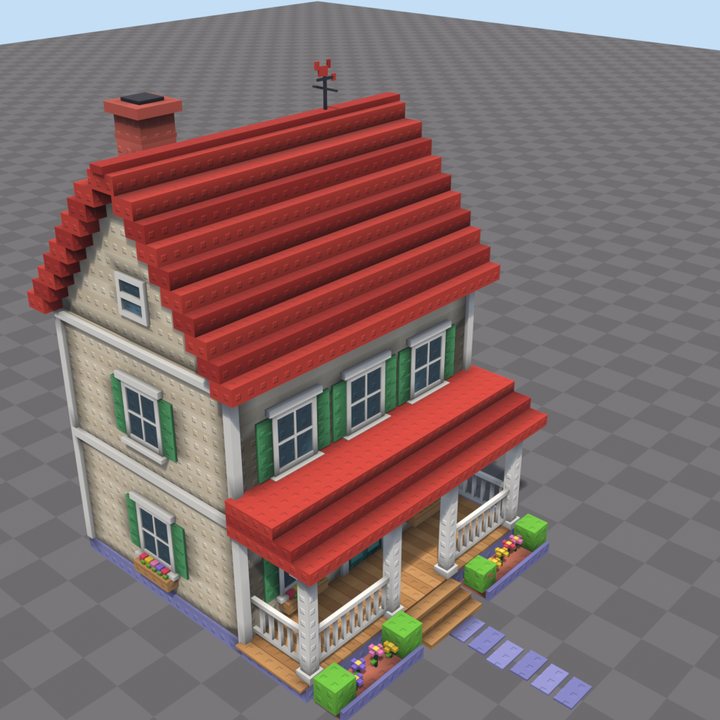
Farmhouse 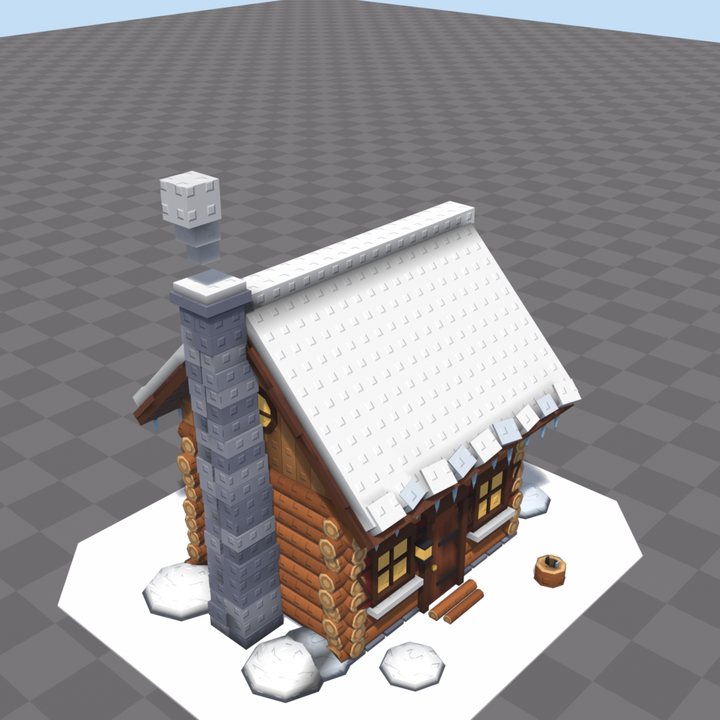
Snowy cabin 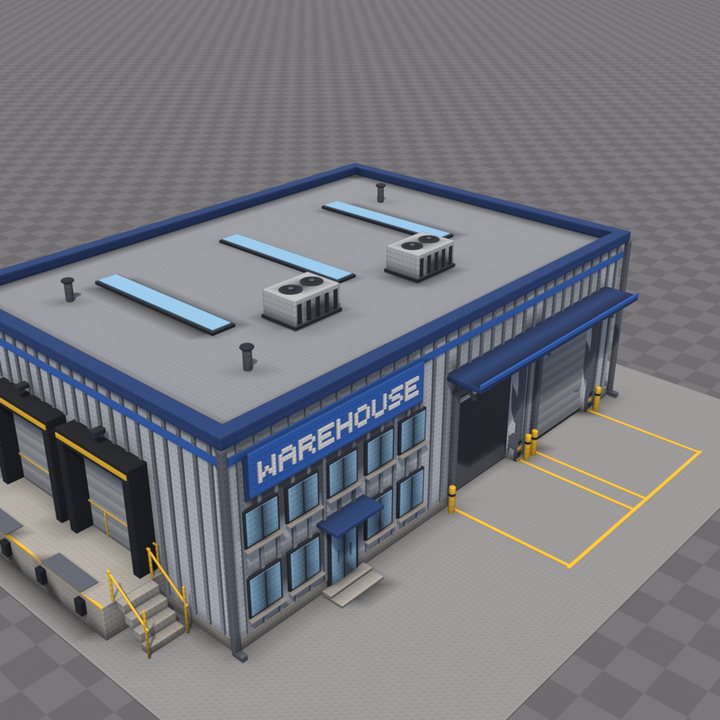
Warehouse 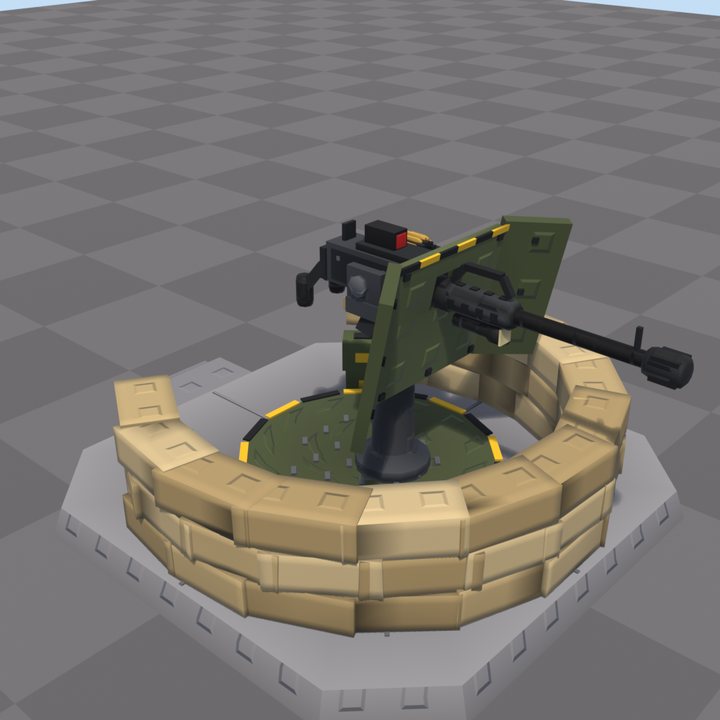
Sandbag turret 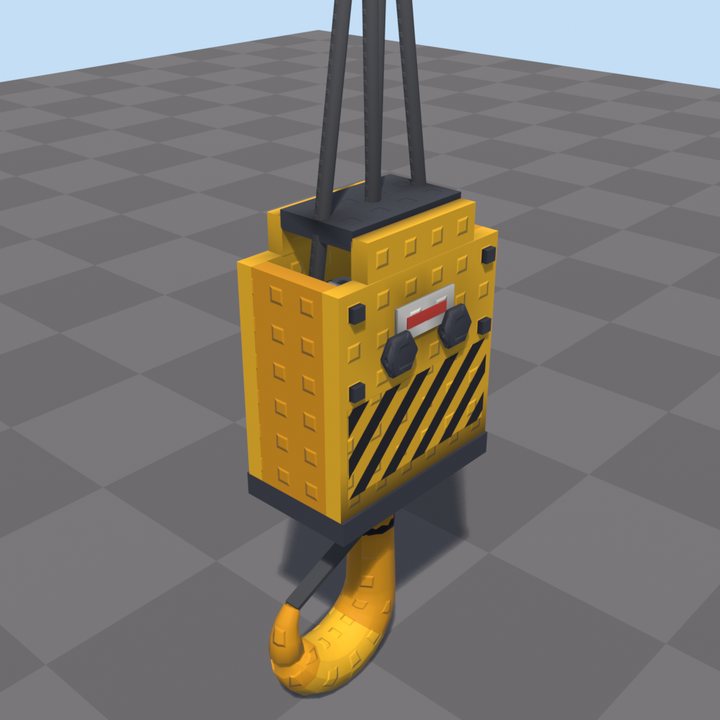
Crane hook 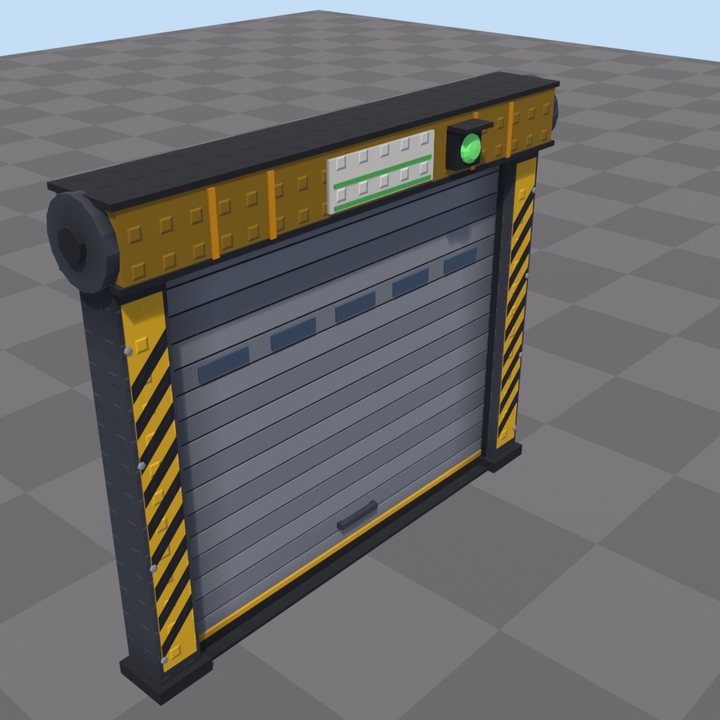
Roll-up door 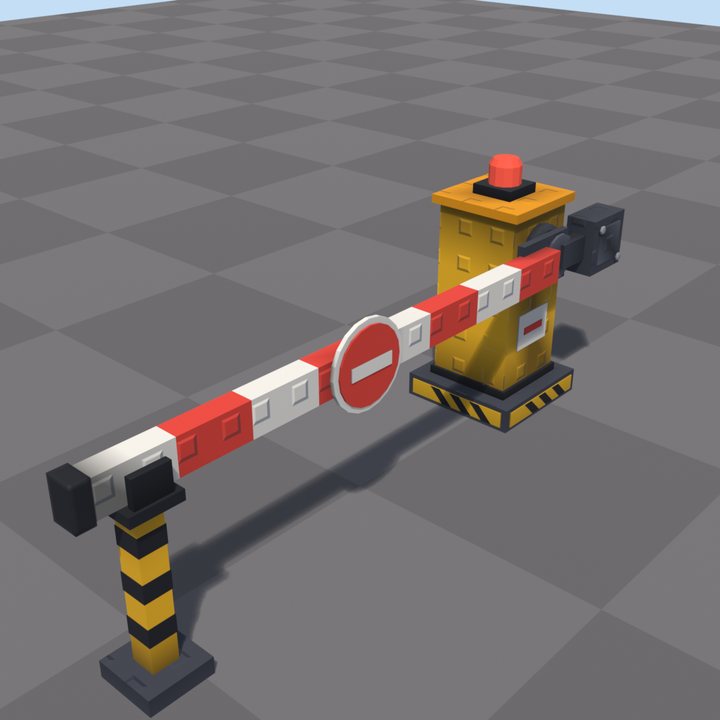
Boom gate 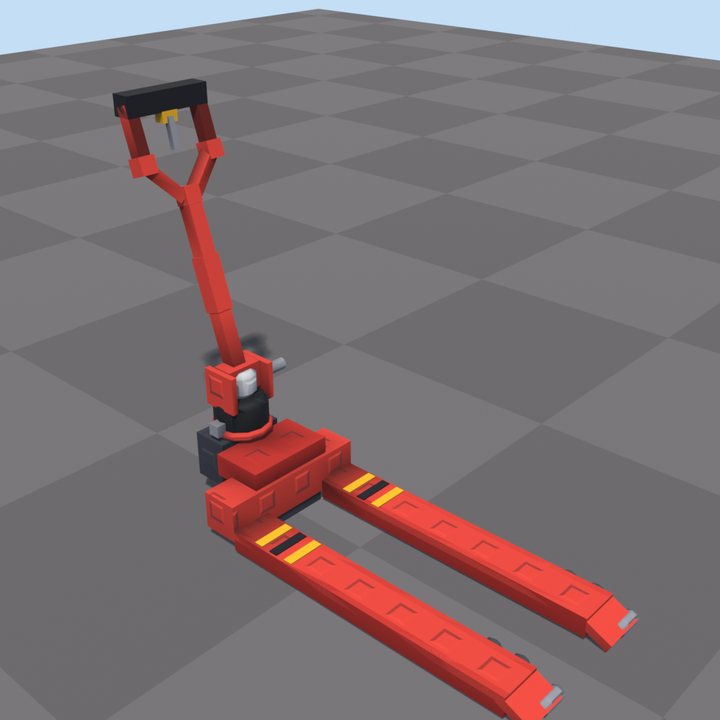
Pallet jack 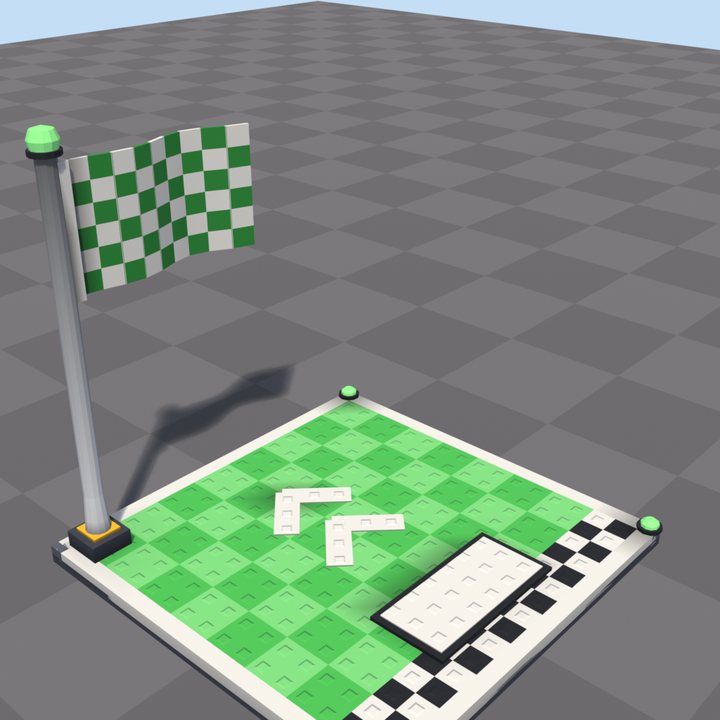
Checkpoint pad 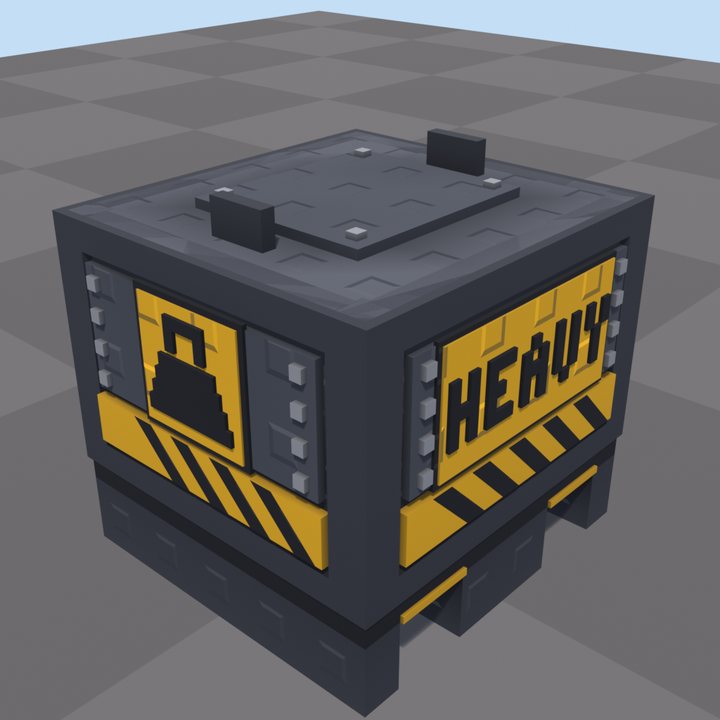
Steel crate 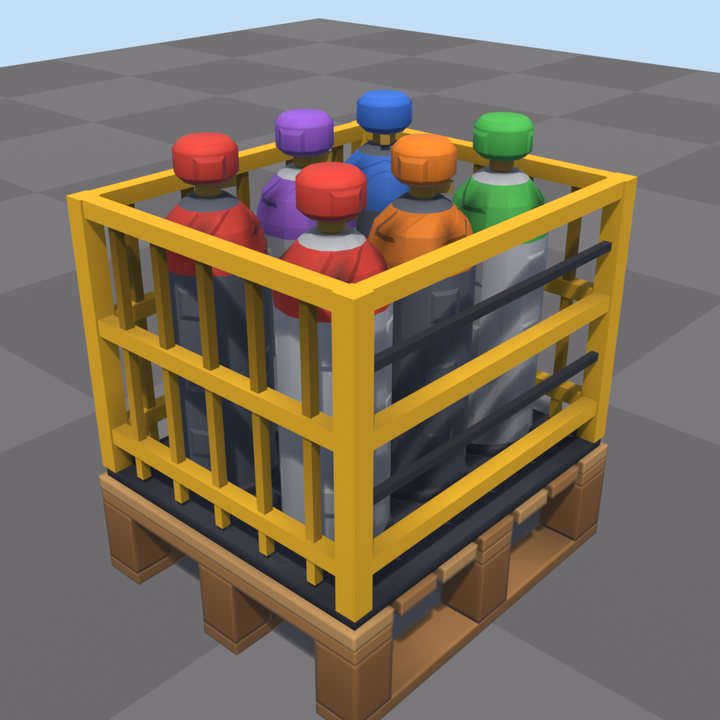
Gas bottle cage 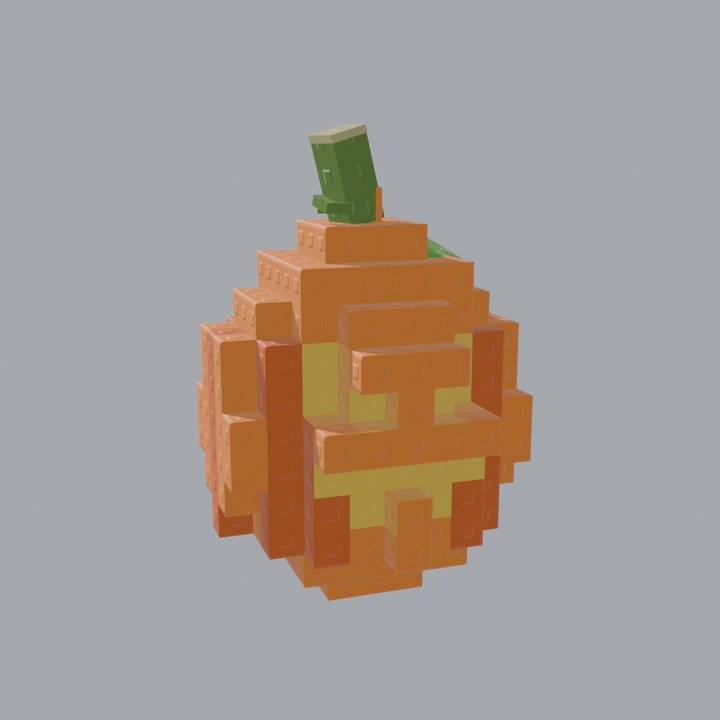
Pumpkin egg 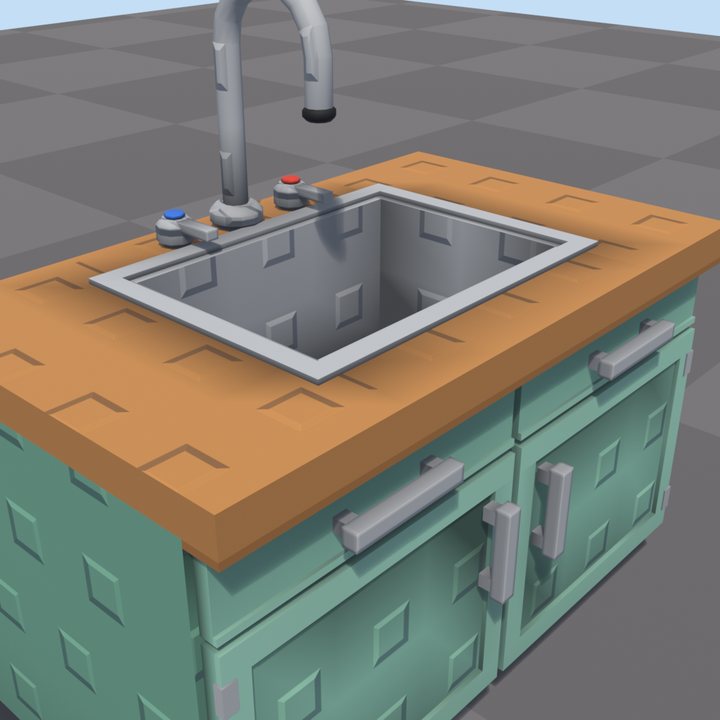
Kitchen counter 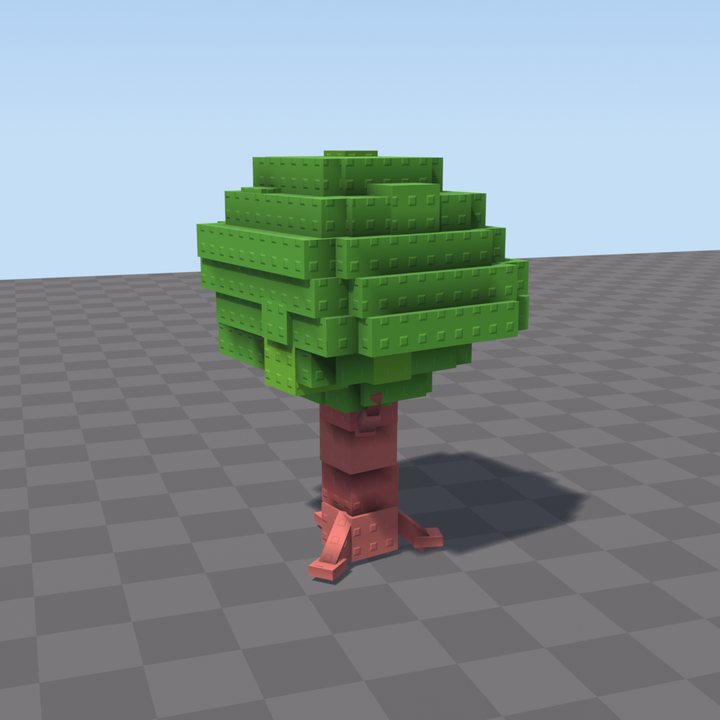
Round tree 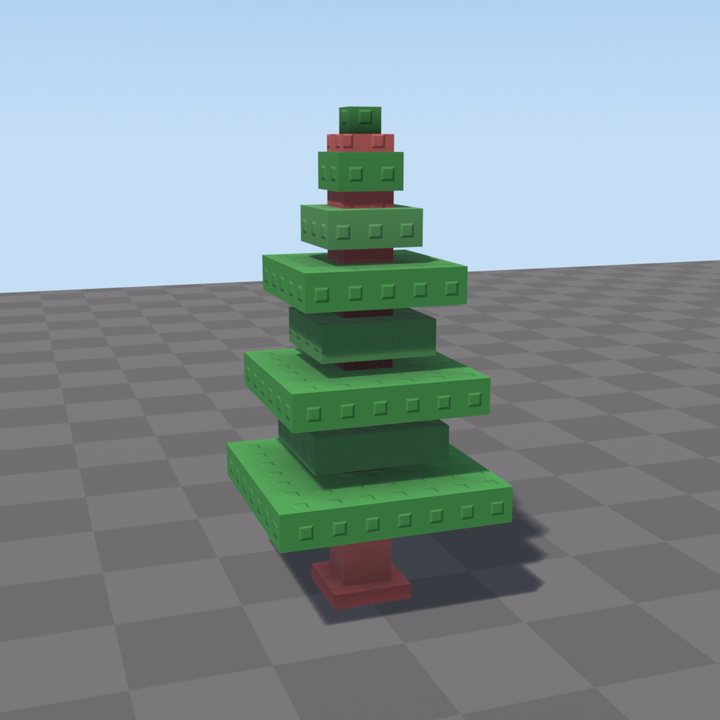
Pine tree 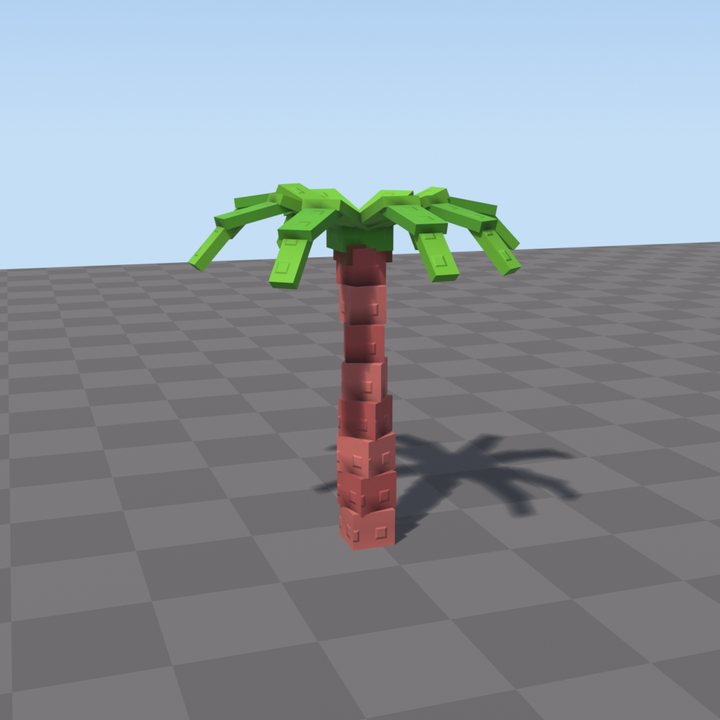
Palm tree
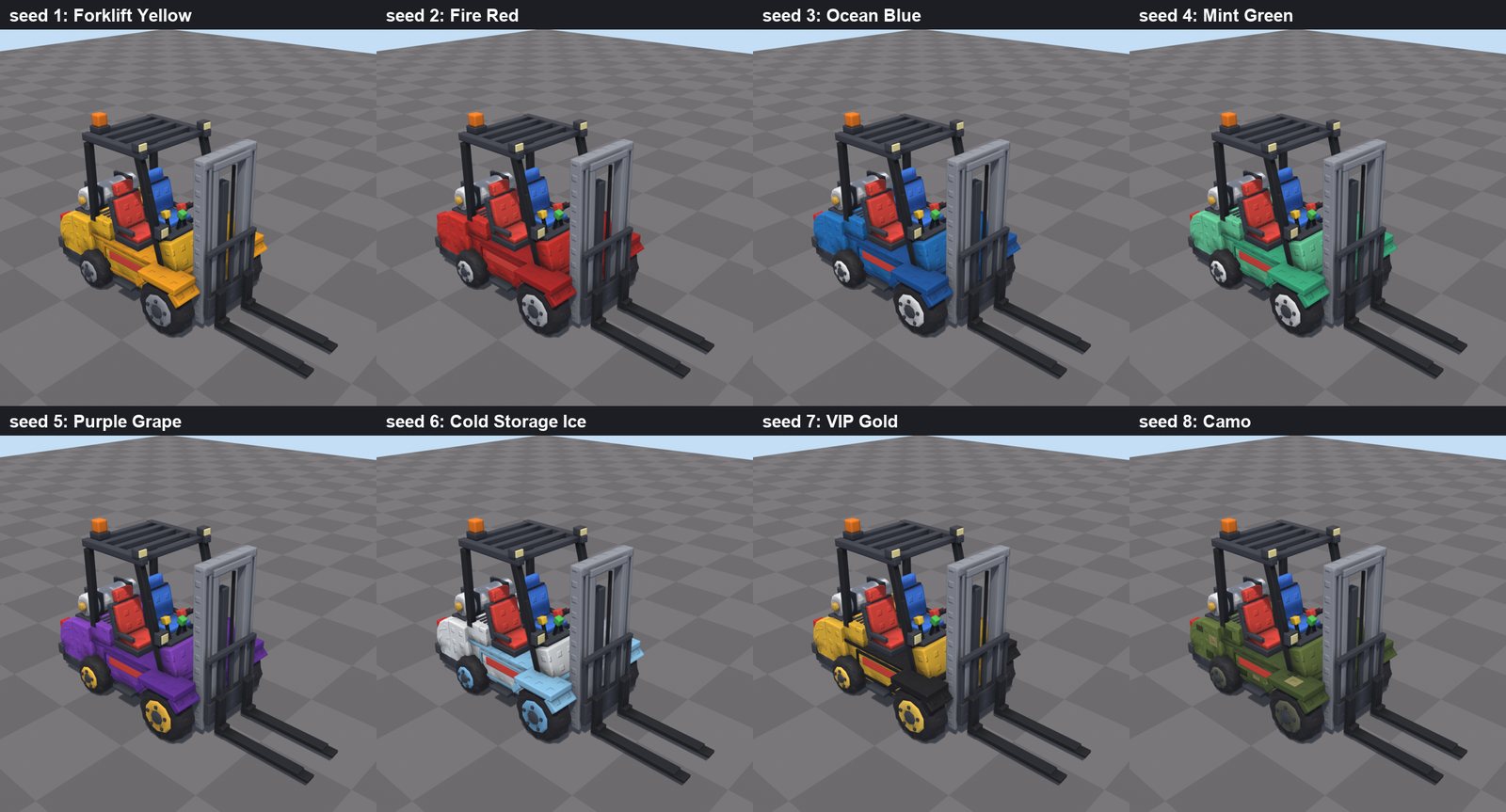
One model, every paint jobColours are parameters, so a whole set of variants is one loop. 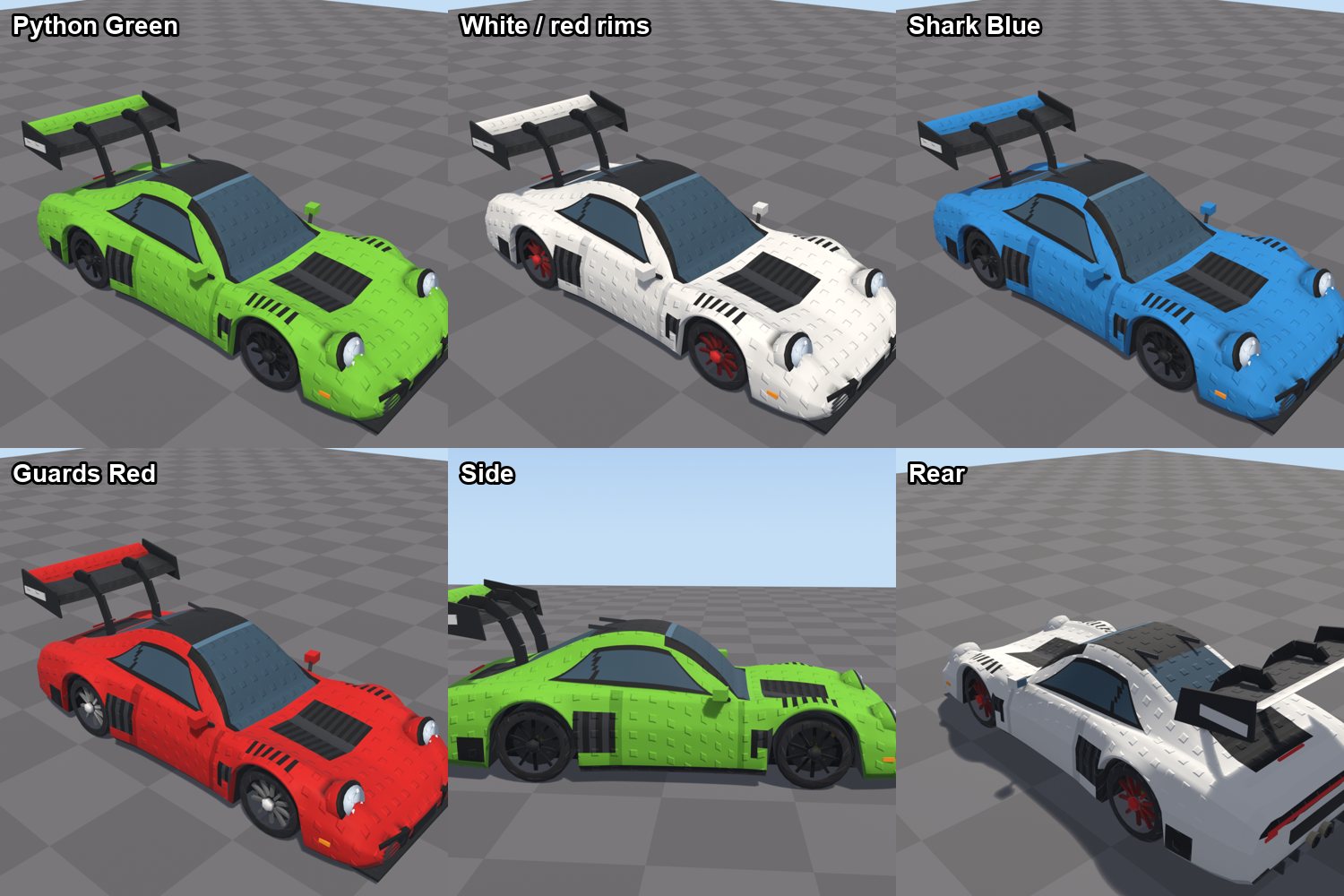
Sports car in every colourway 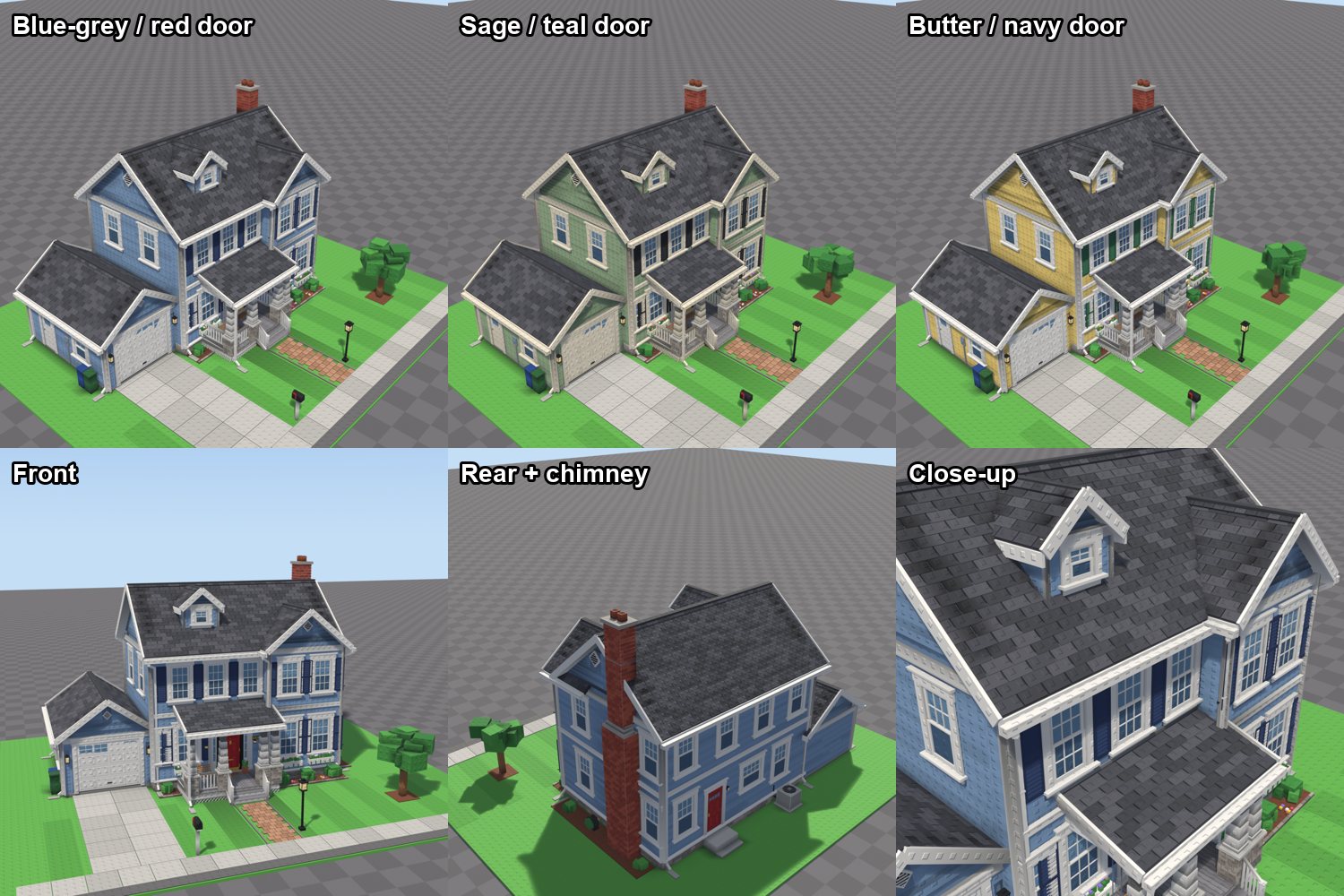
Houses from one scriptDifferent seeds and options give a street of houses that still match. 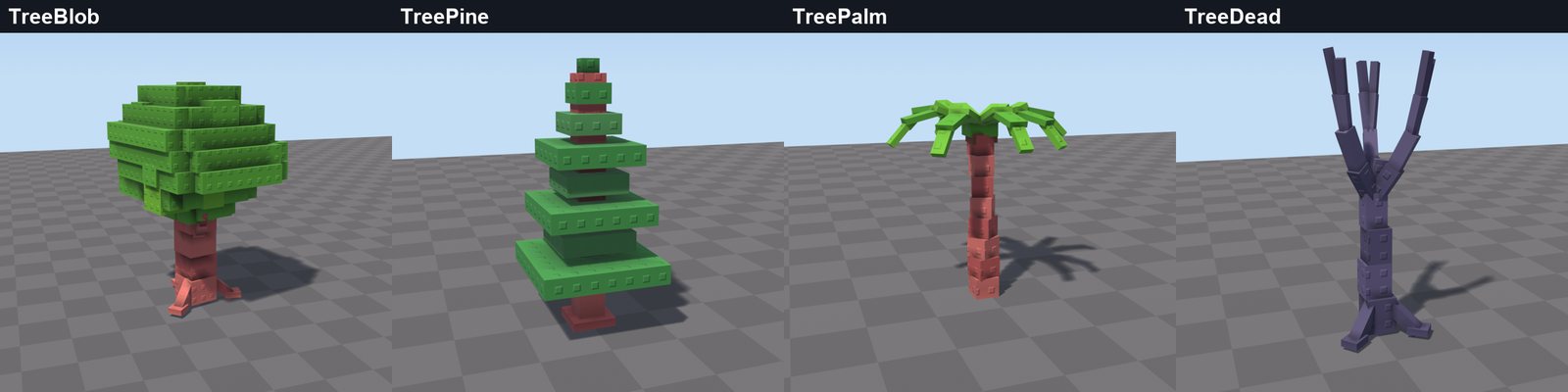
A set of stud treesEach tree type is a recipe; a seed gives endless variations.
Stud builds, made in Studio
Maps and scenery built by an AI agent through a Studio MCP server with the studify skill: studded plastic materials, a pastel palette, stepped cliffs and no gaps or z-fighting. These are straight screenshots from Studio, checked the way this trick describes.
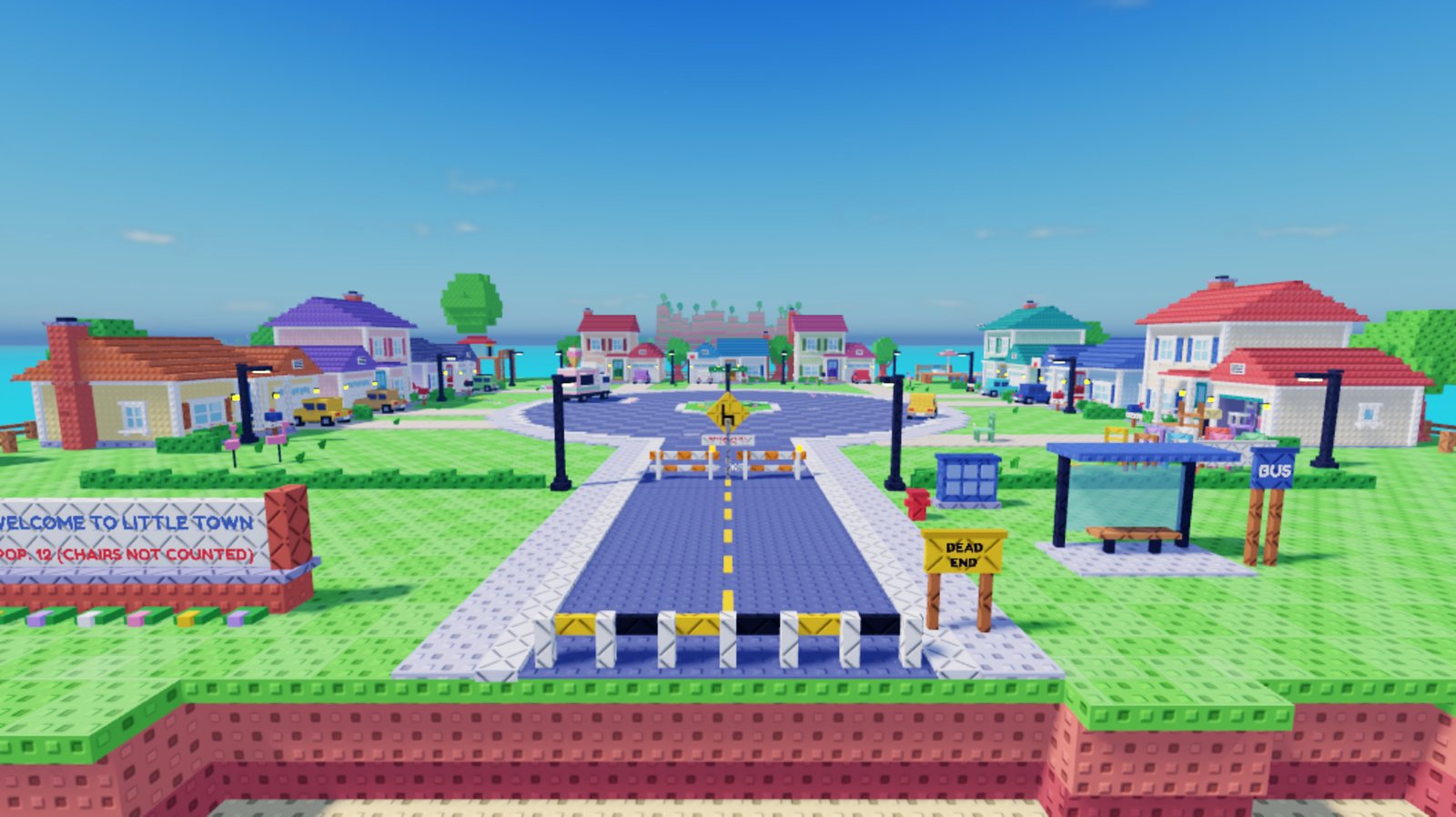
Little TownA 1:1 map remake from a gameplay video. 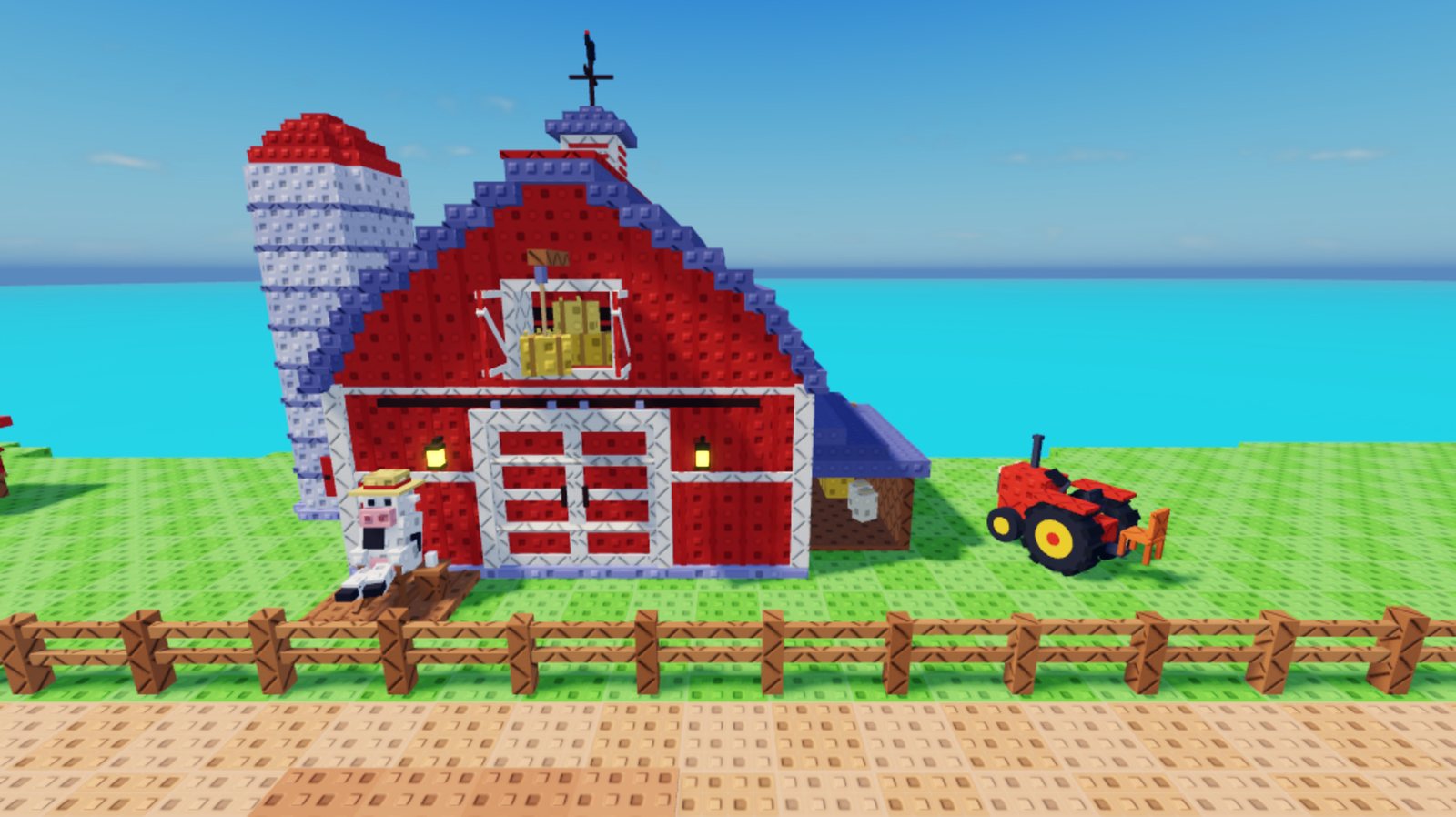
Ranch barn 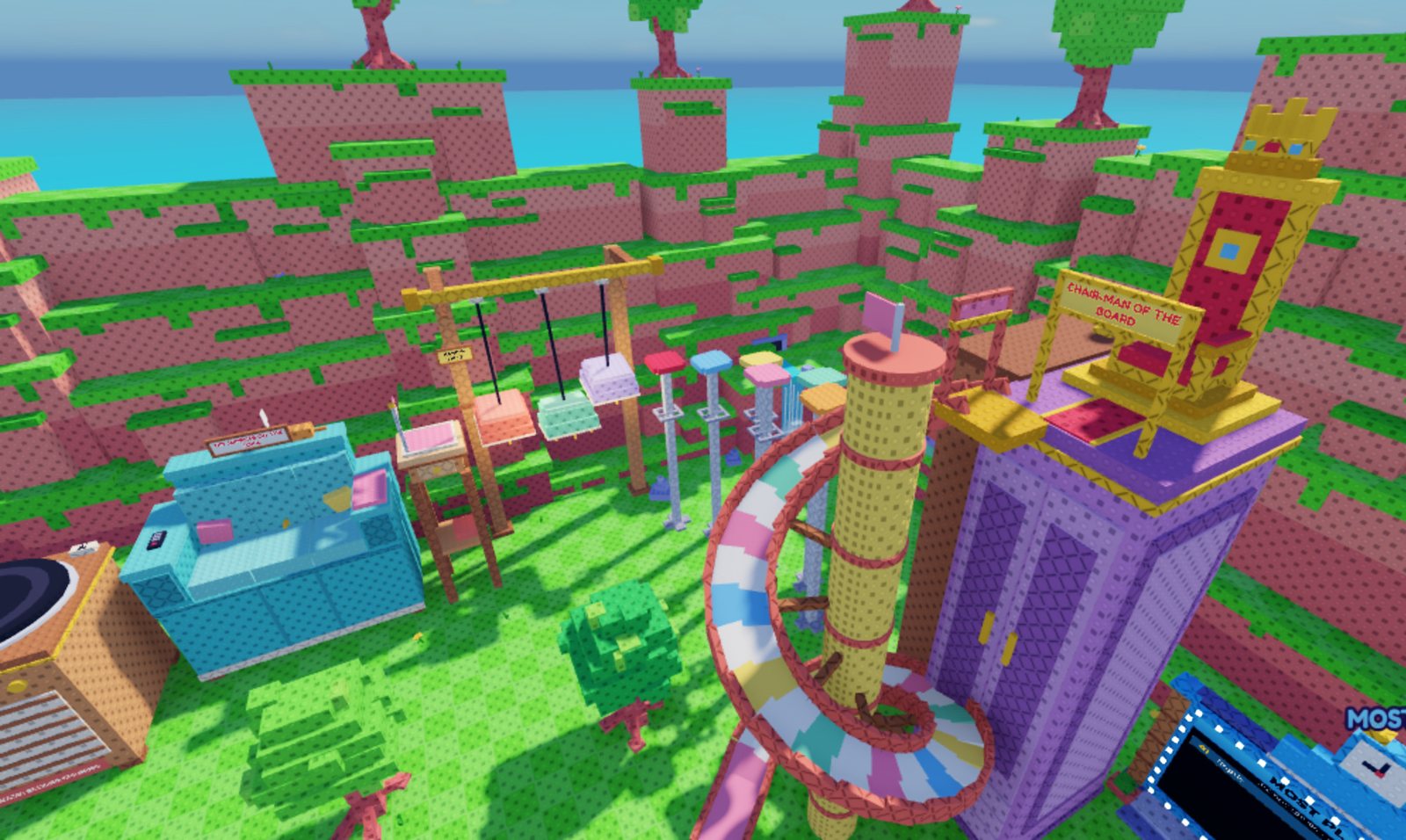
Giant-furniture parkour bowl 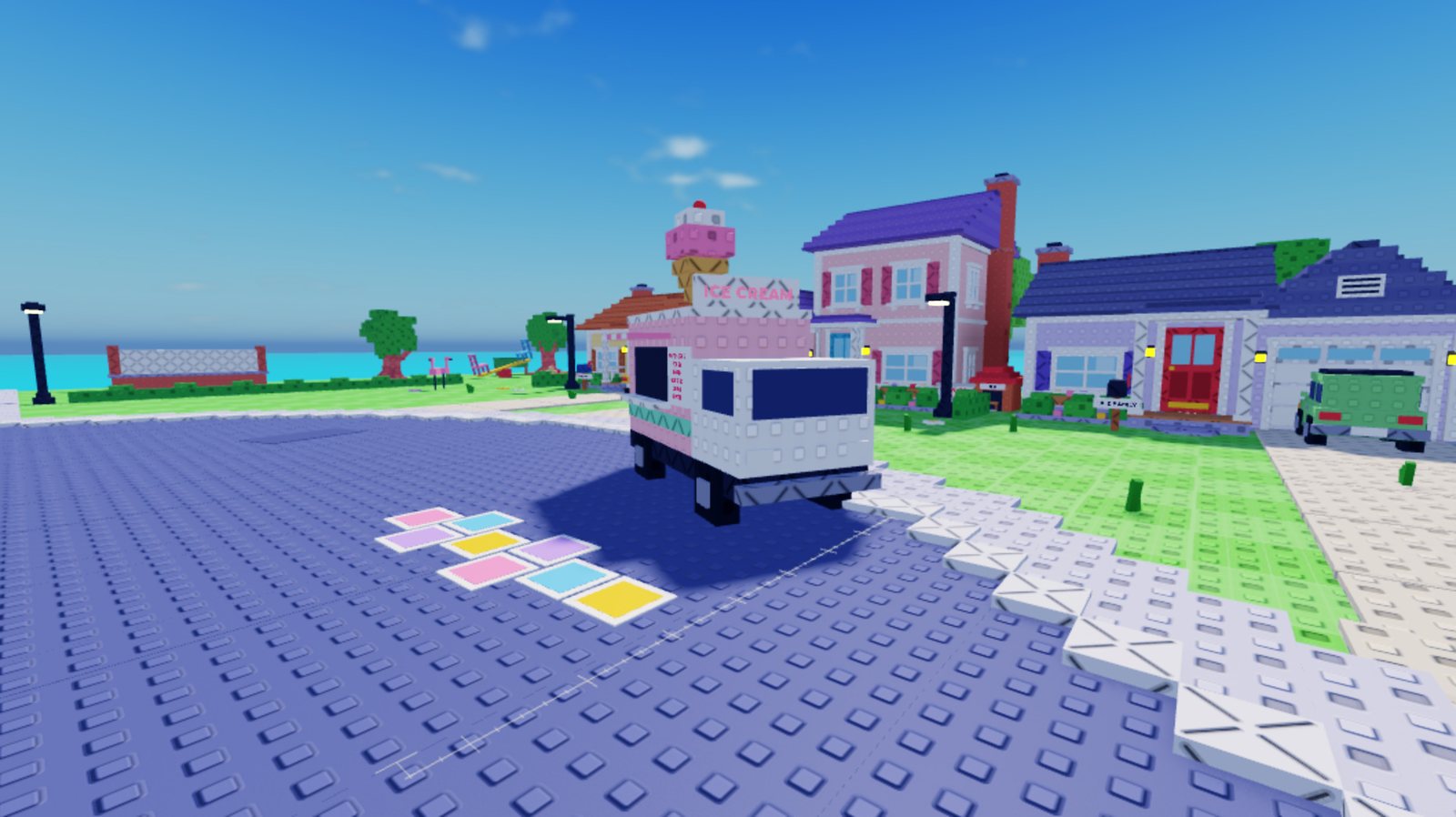
Suburban street at player height 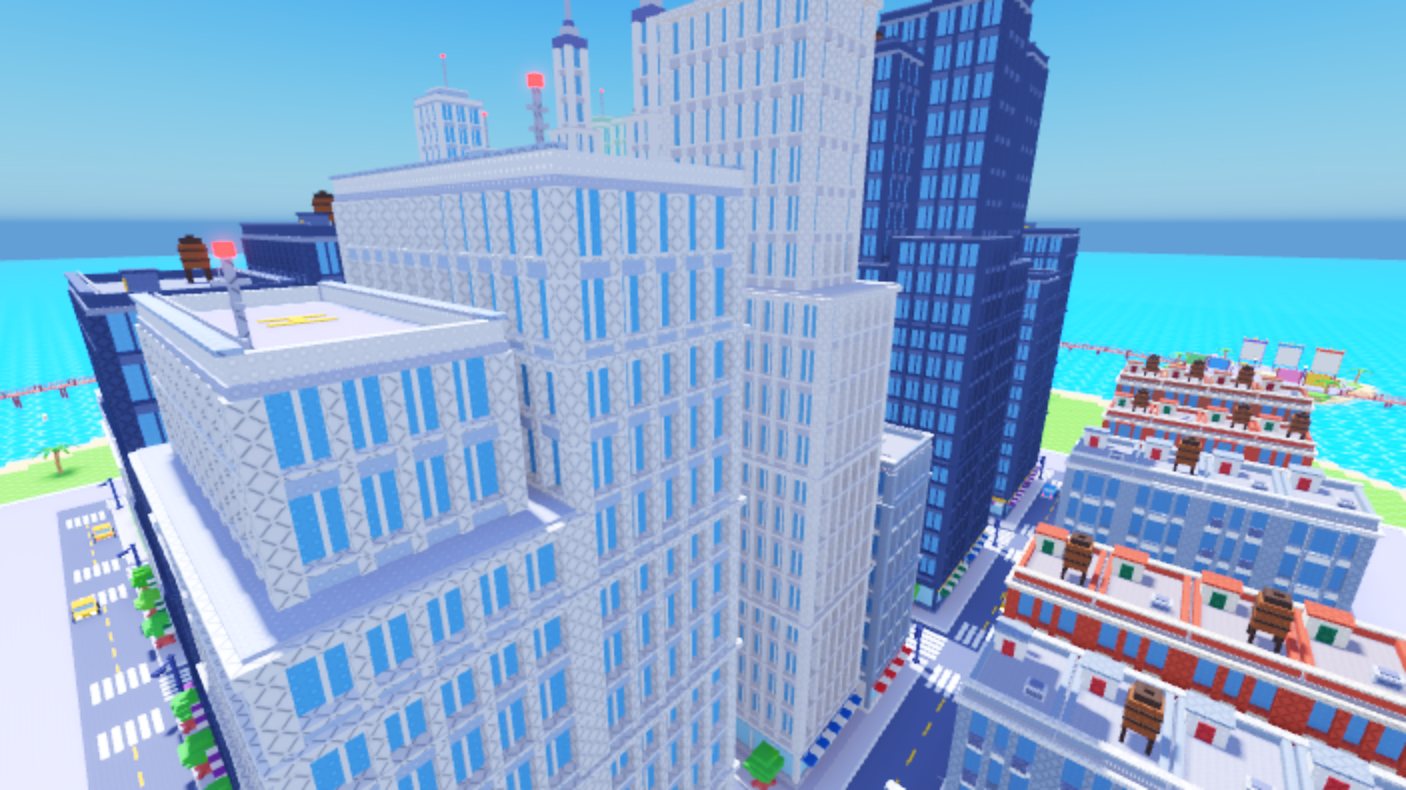
City skyline 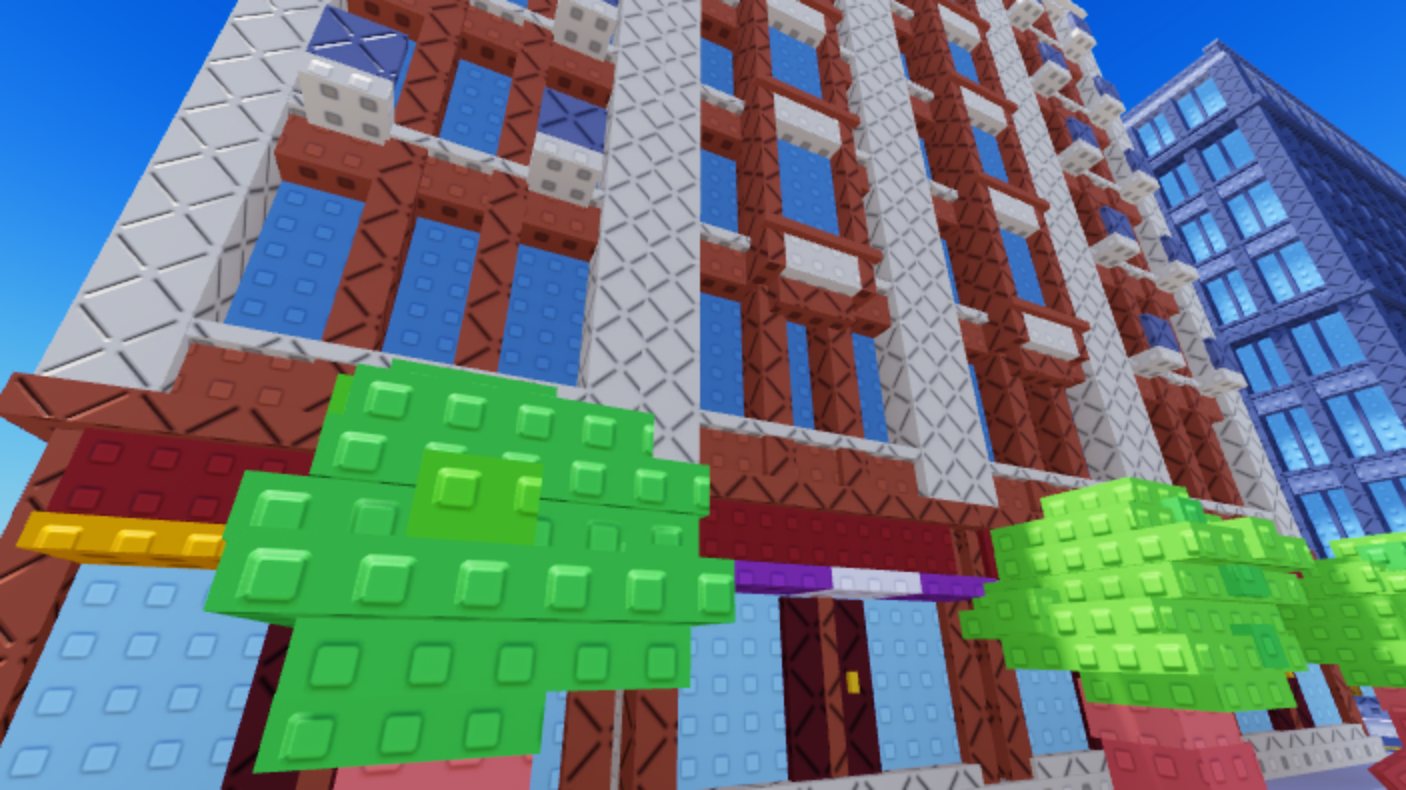
Brick walk-ups, up close 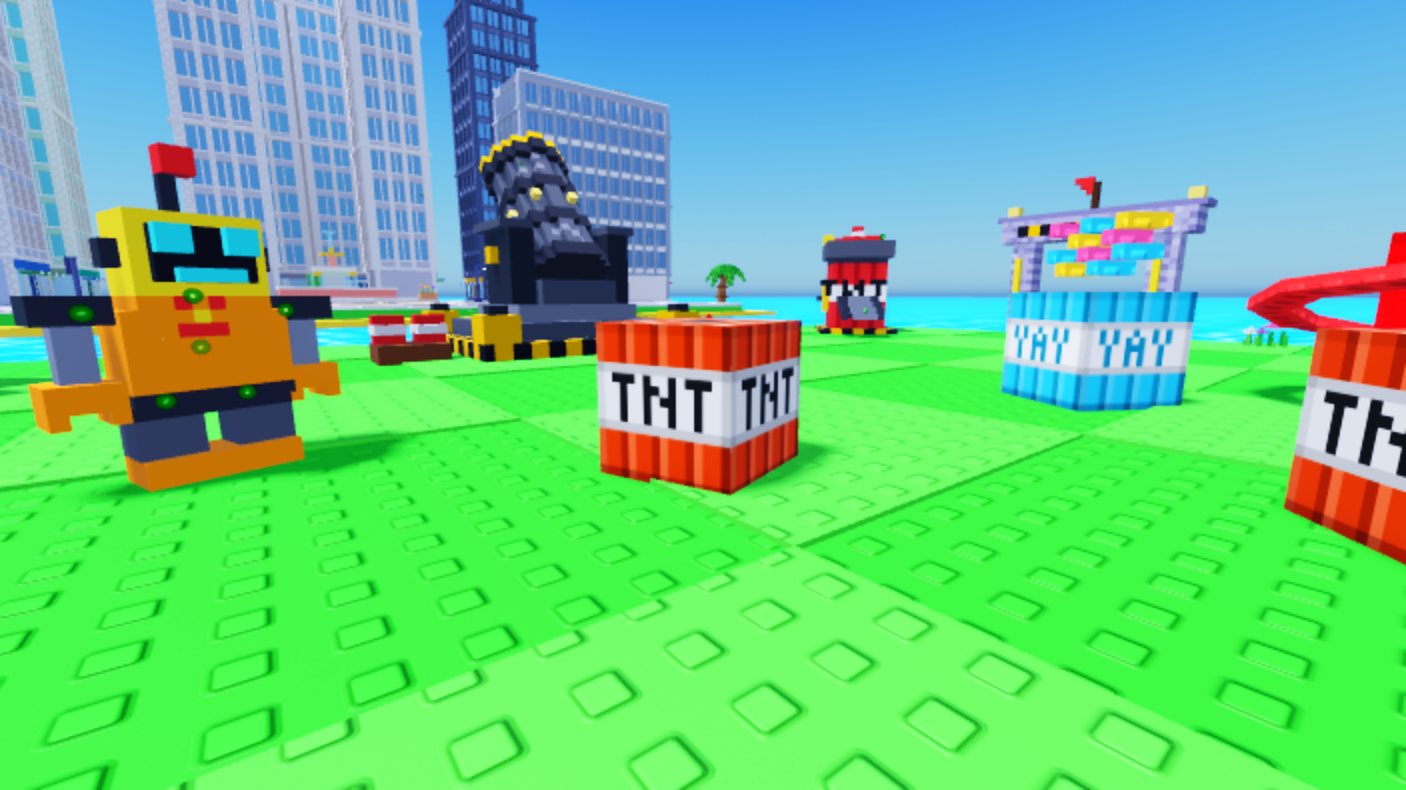
Player plot with a city behind 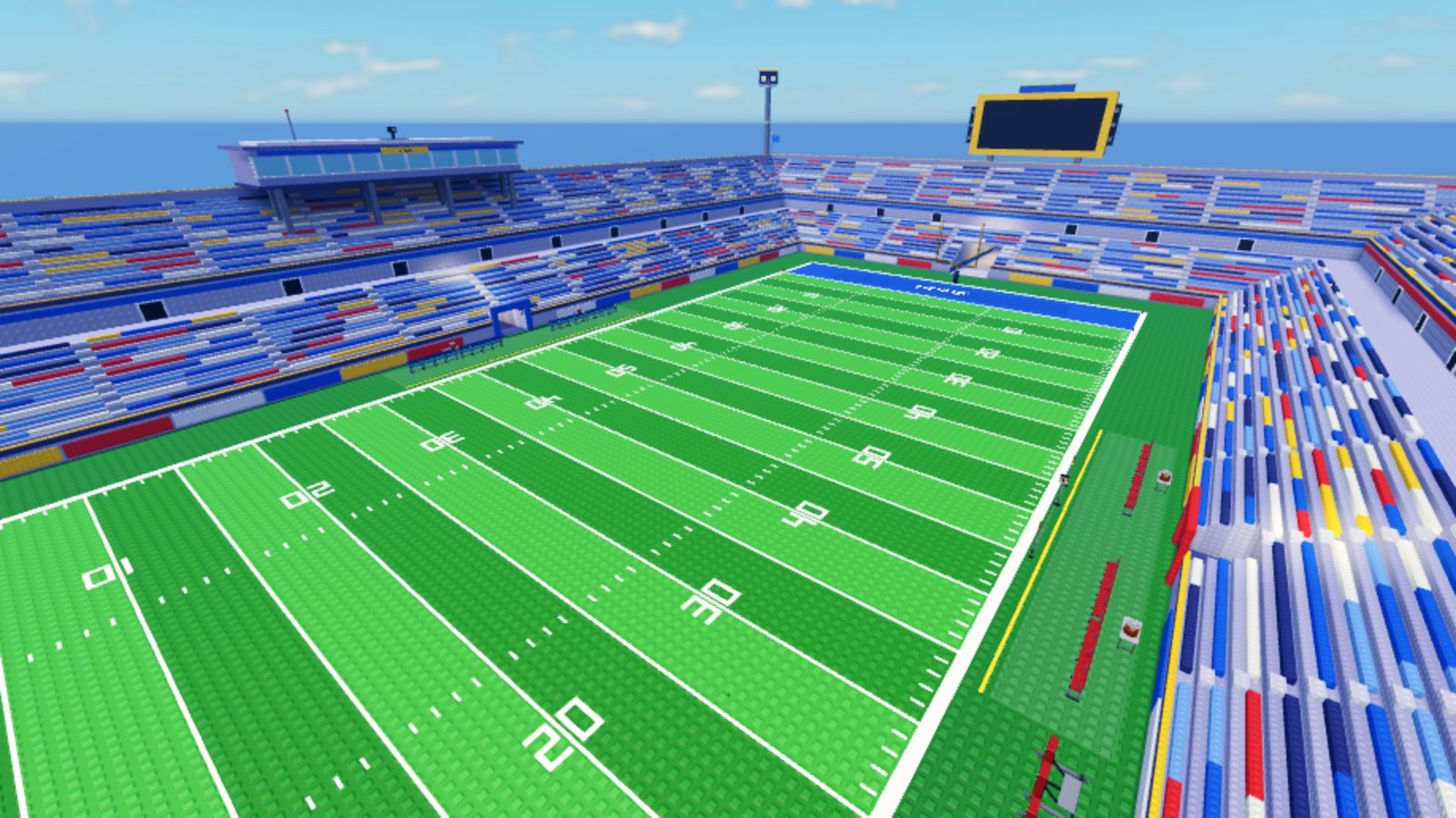
Football stadium 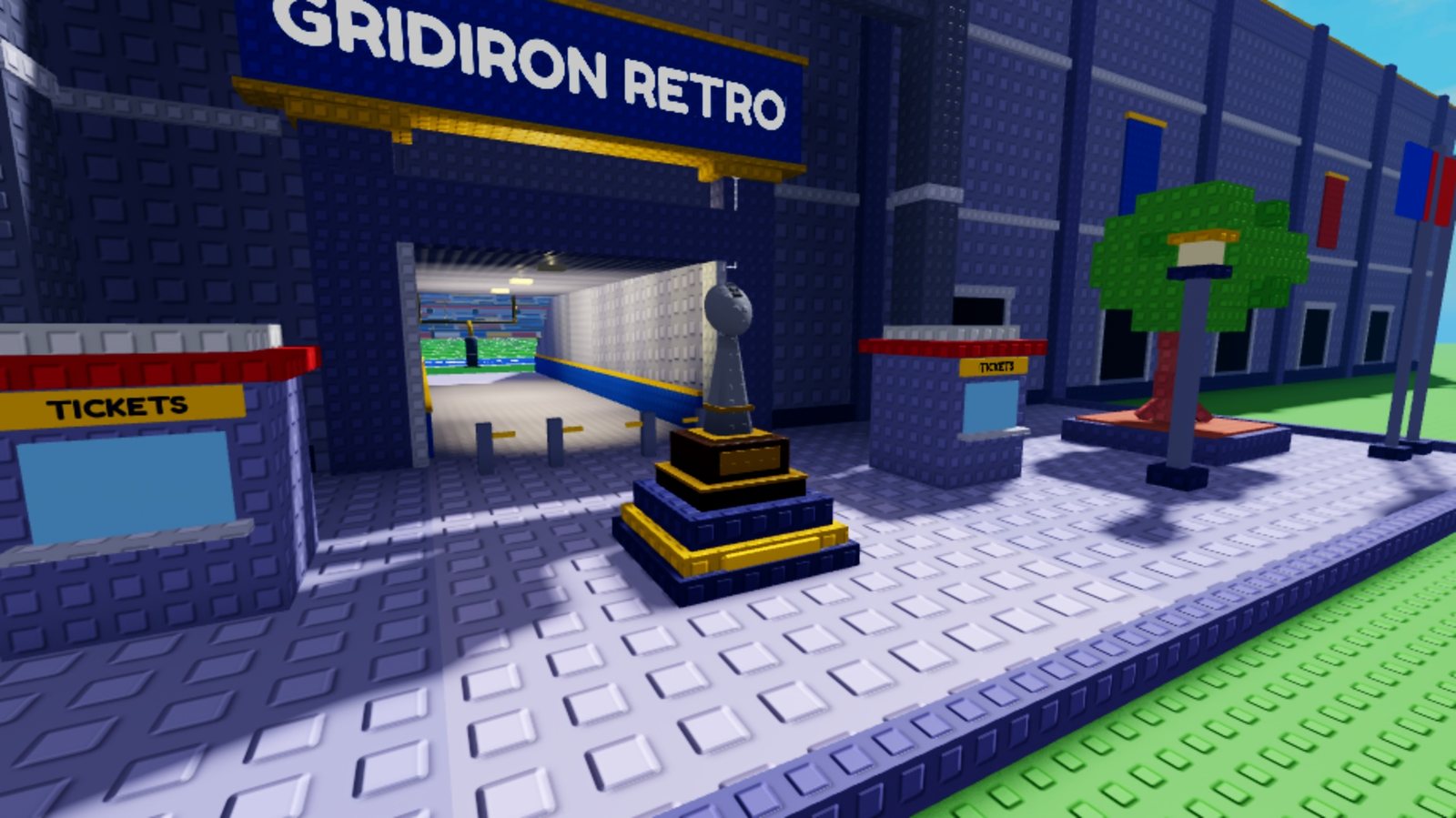
Stadium entrance 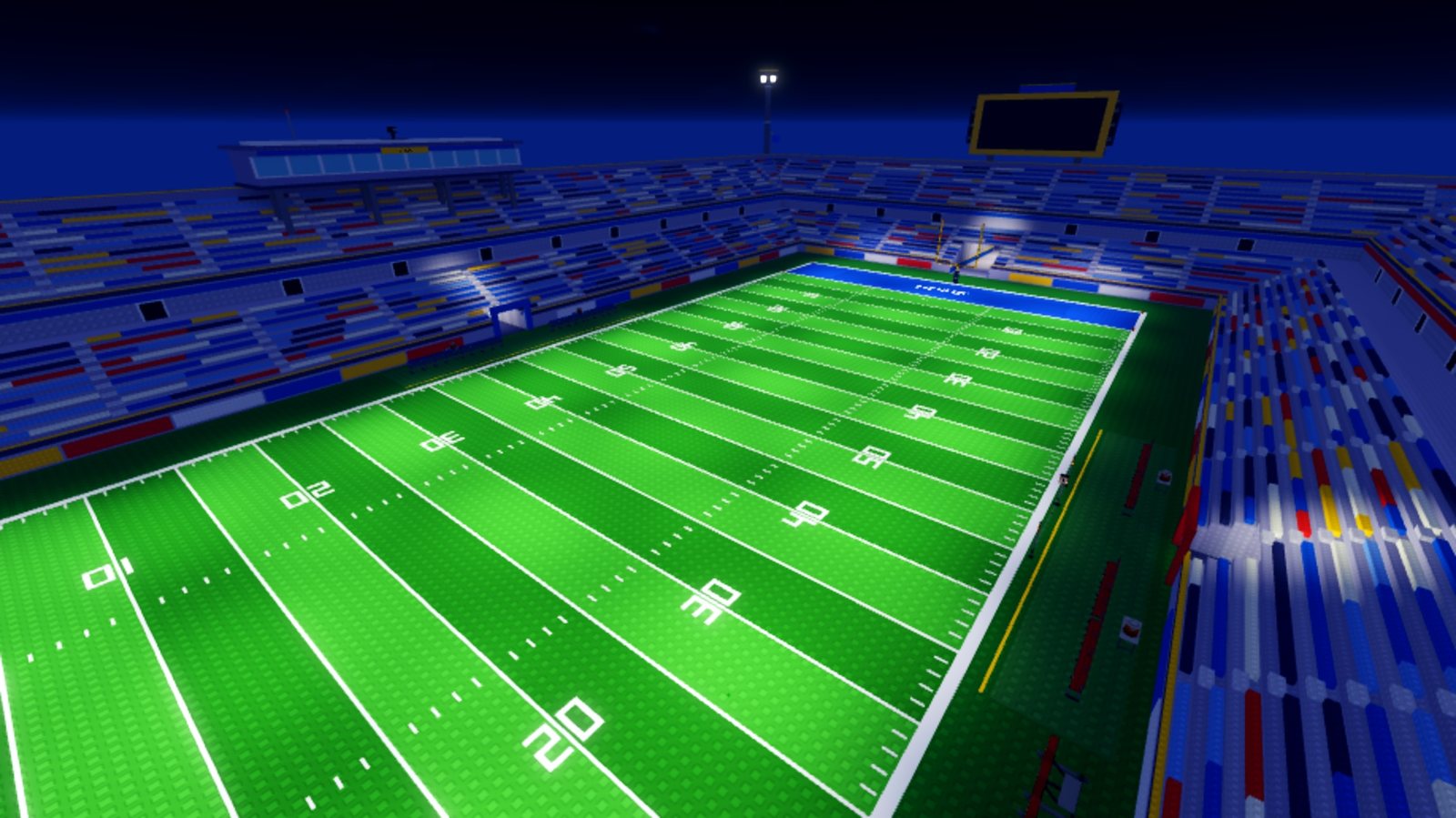
The stadium at night 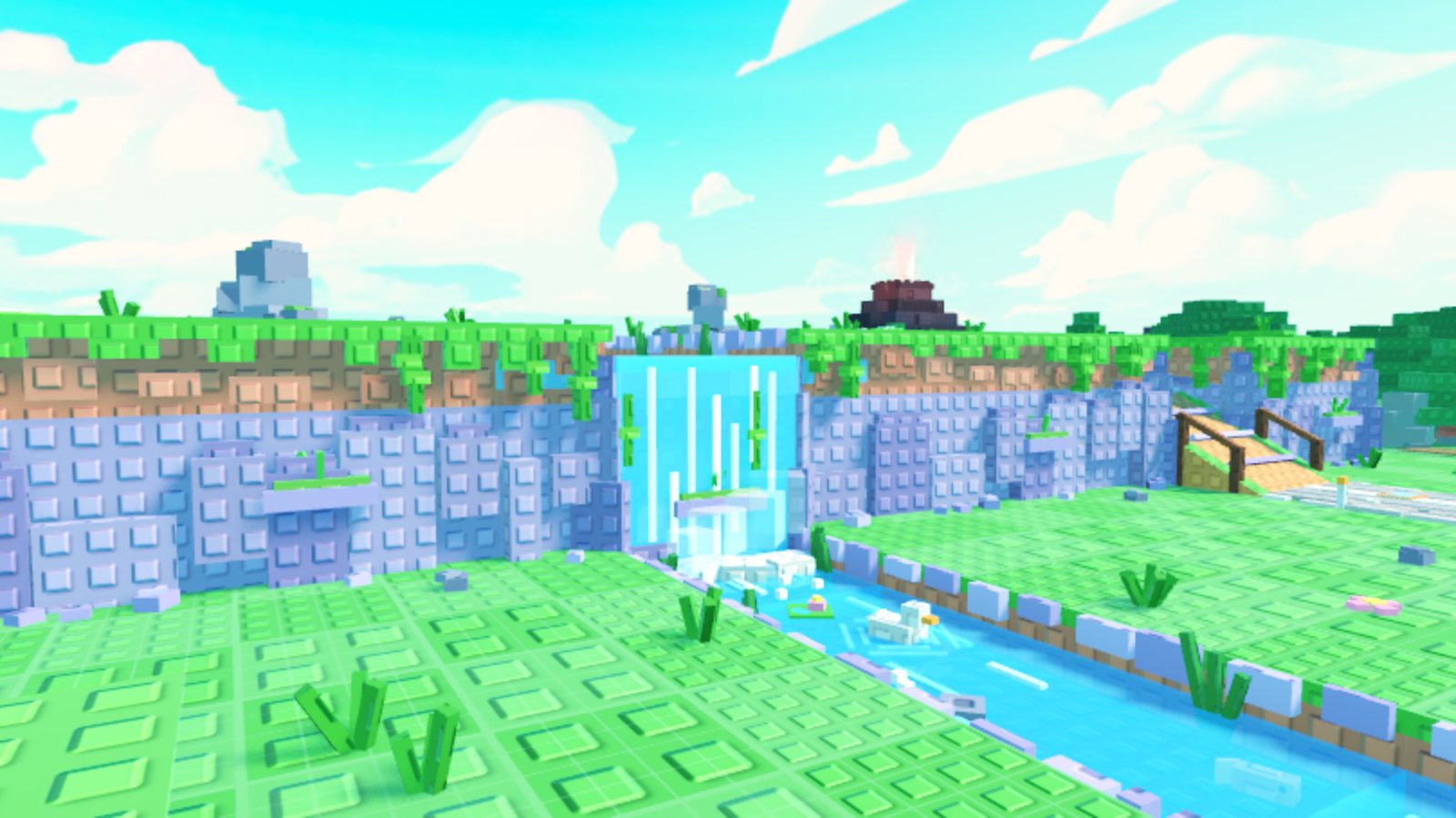
Cliffs, river and waterfall